Preview
Compose a flow by toggling the optional steps, and preview the screens a user in that config would see — in order, with skipped steps omitted. Only optional (flag-gated) steps can be toggled, so the composition is always constraint-valid (you can't skip a required step). The preview uses the generated catalog + Atlas screenshots, so it can't drift from the real screens.
Optional steps
Toggle a step to include or exclude it from the composed flow.
Composed flow · 29 screens
- 1 Welcome
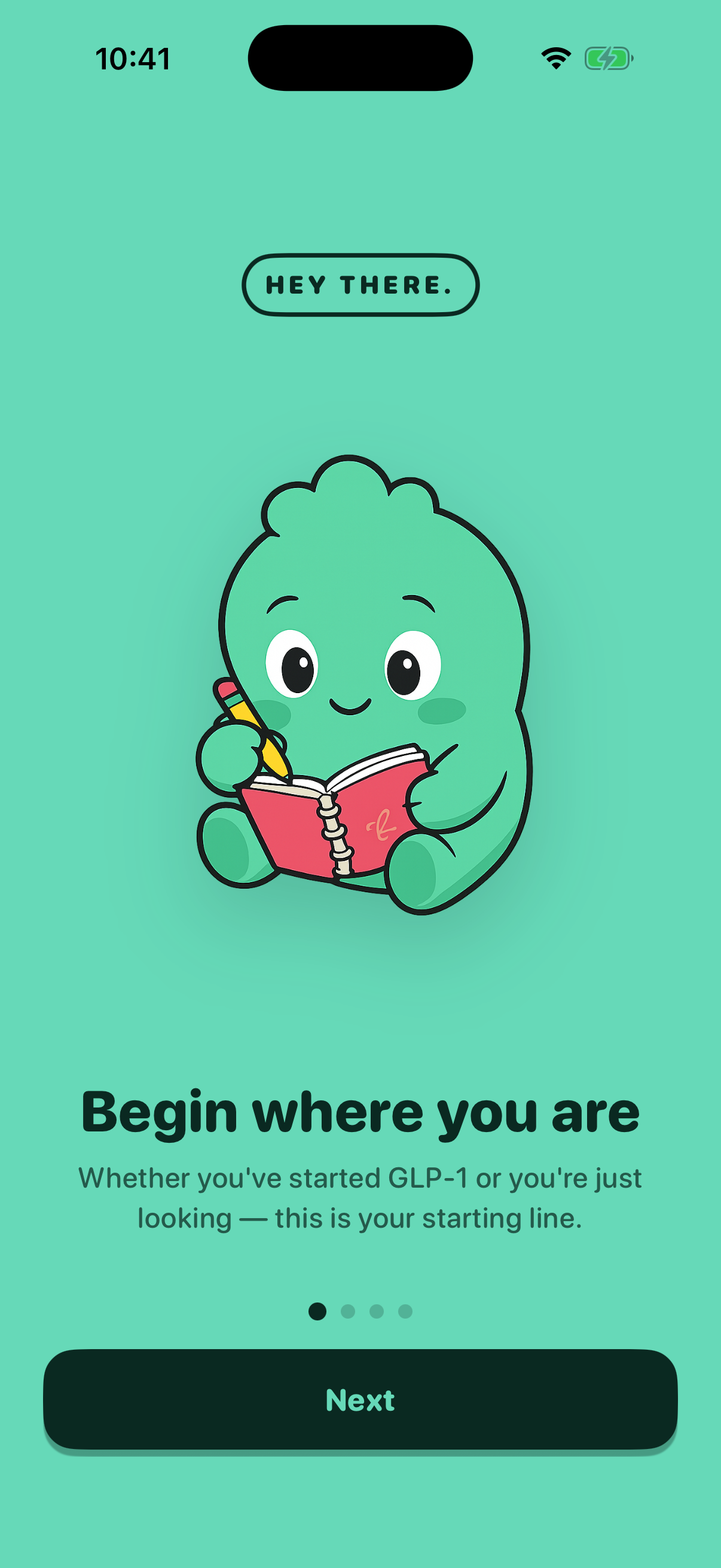
- 2 Sign In

- 3 AI Consent

- 4 Name Input
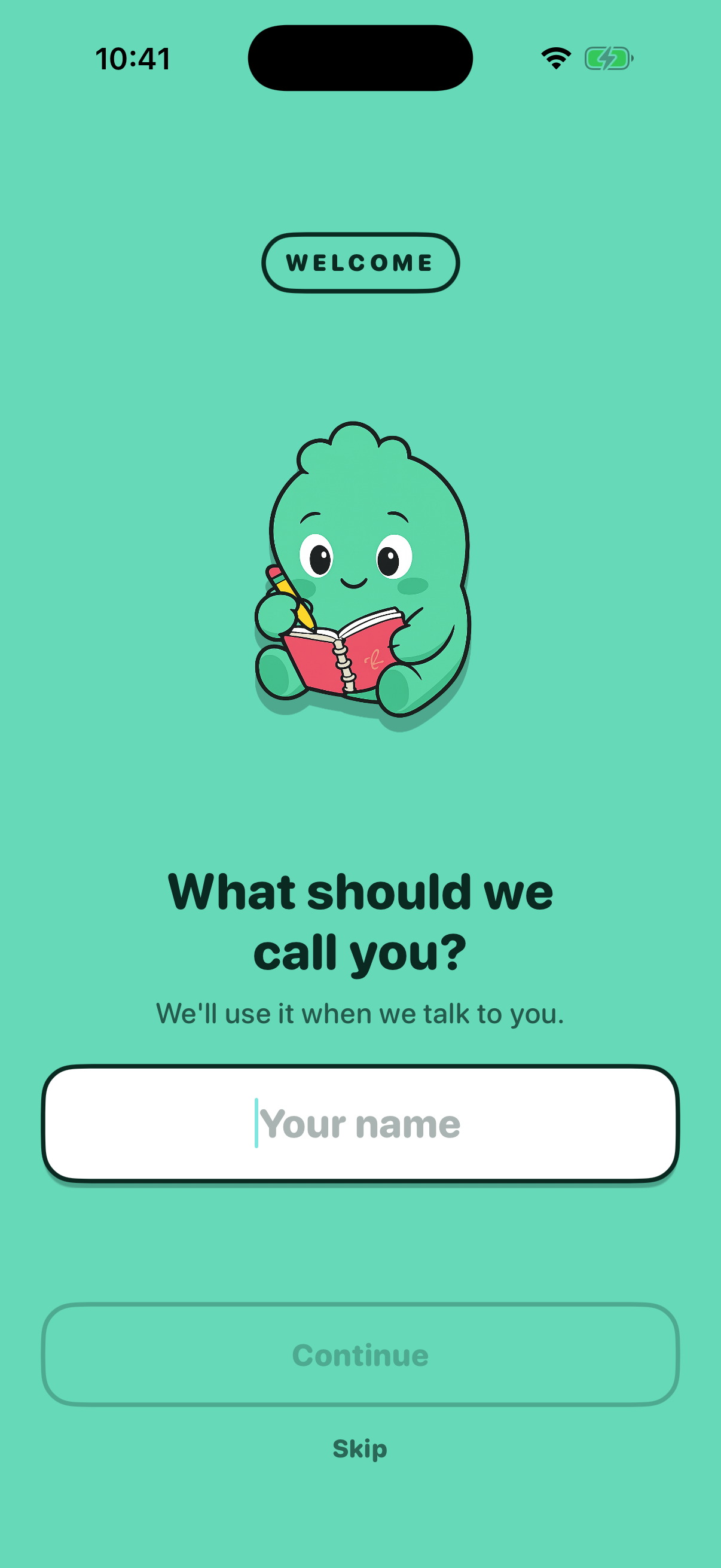
- 5 Name Affirmation

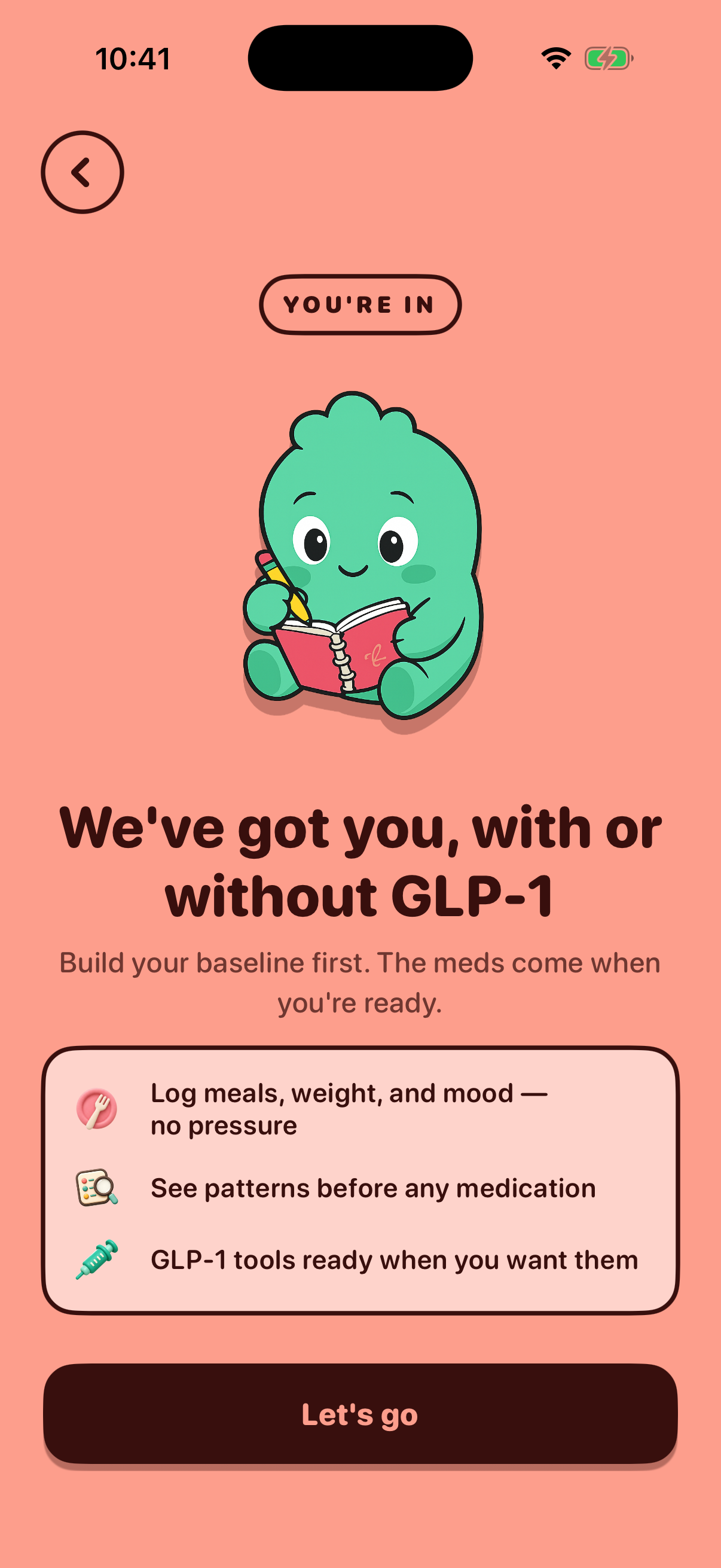
- 6 Journey Status

- 7 Journey Affirmation
- 8 Medication Selection
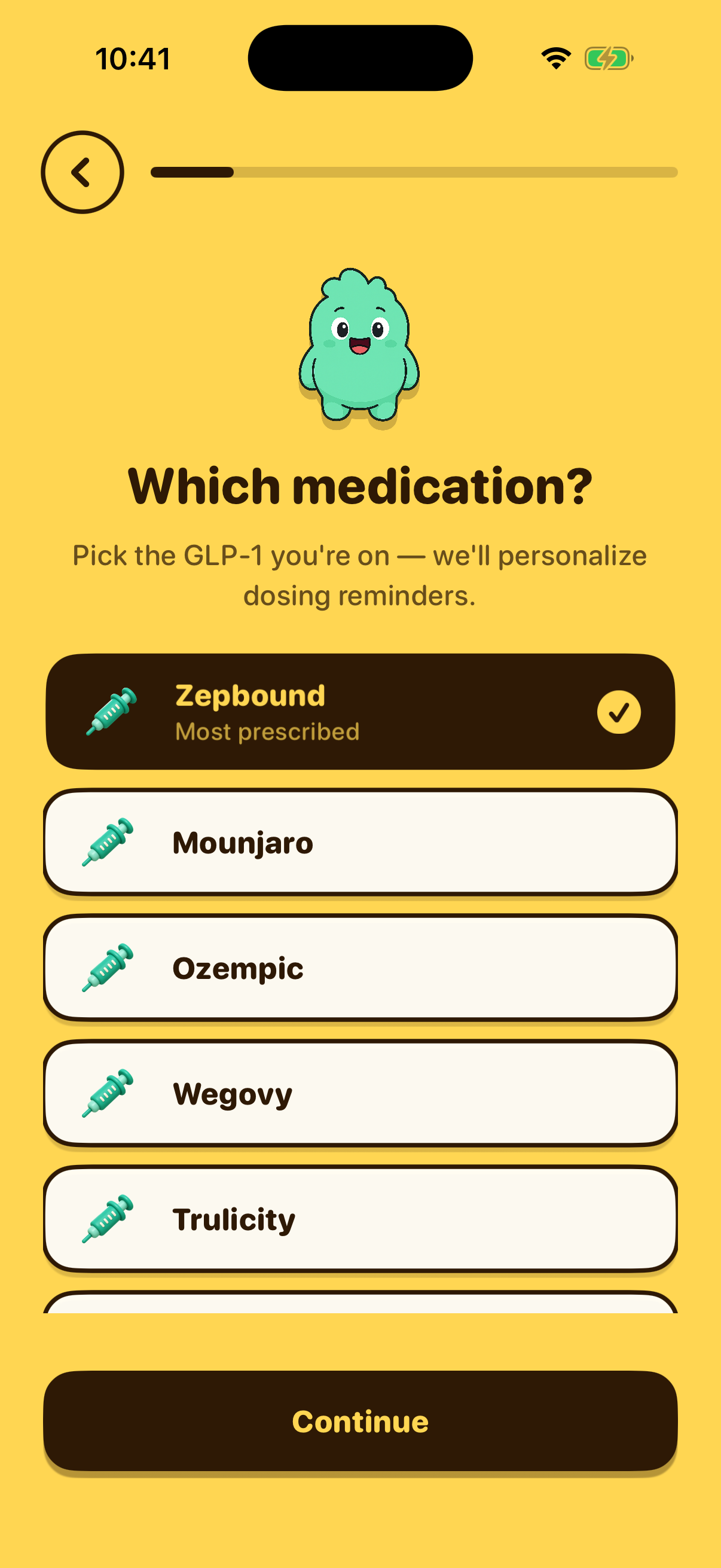
- 9 Dose Selection
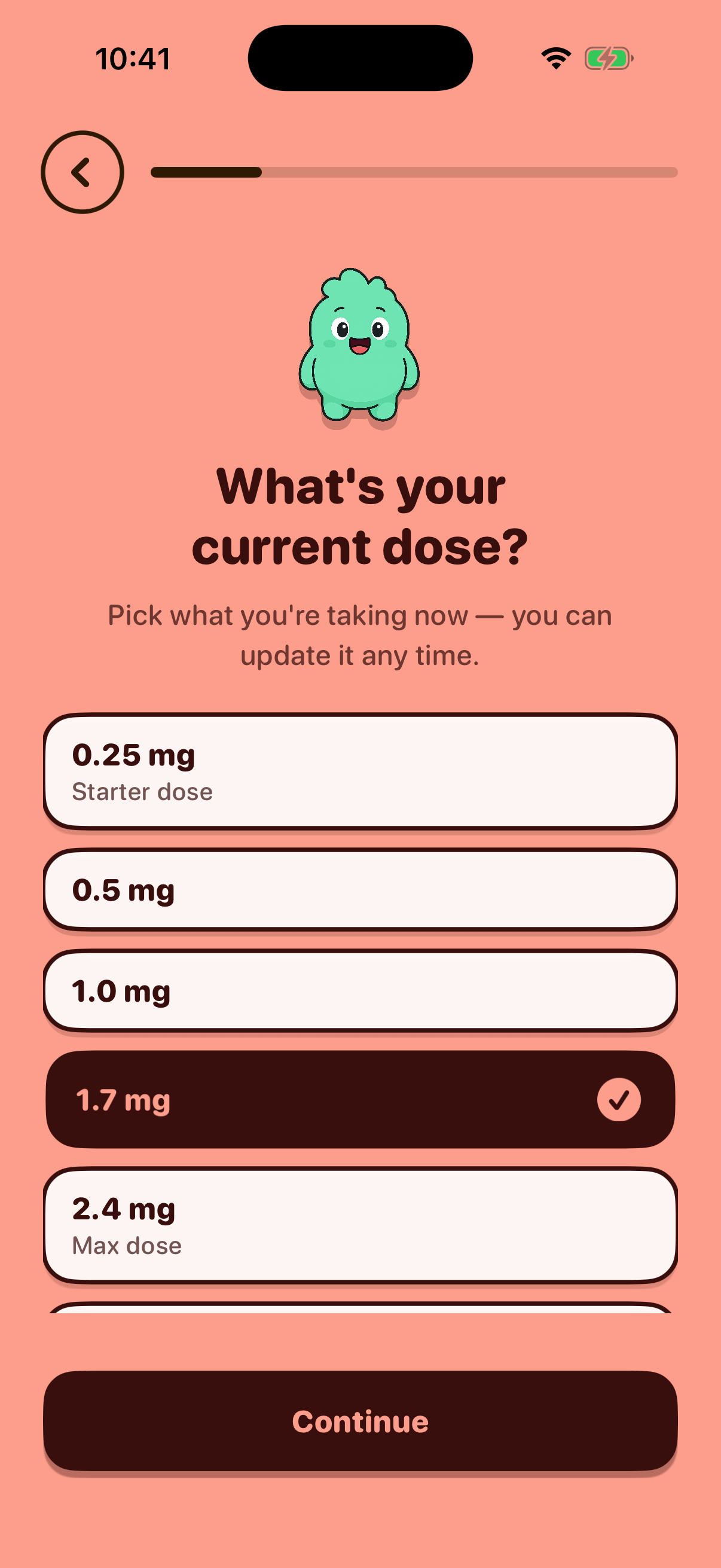
- 10 Frequency Selection
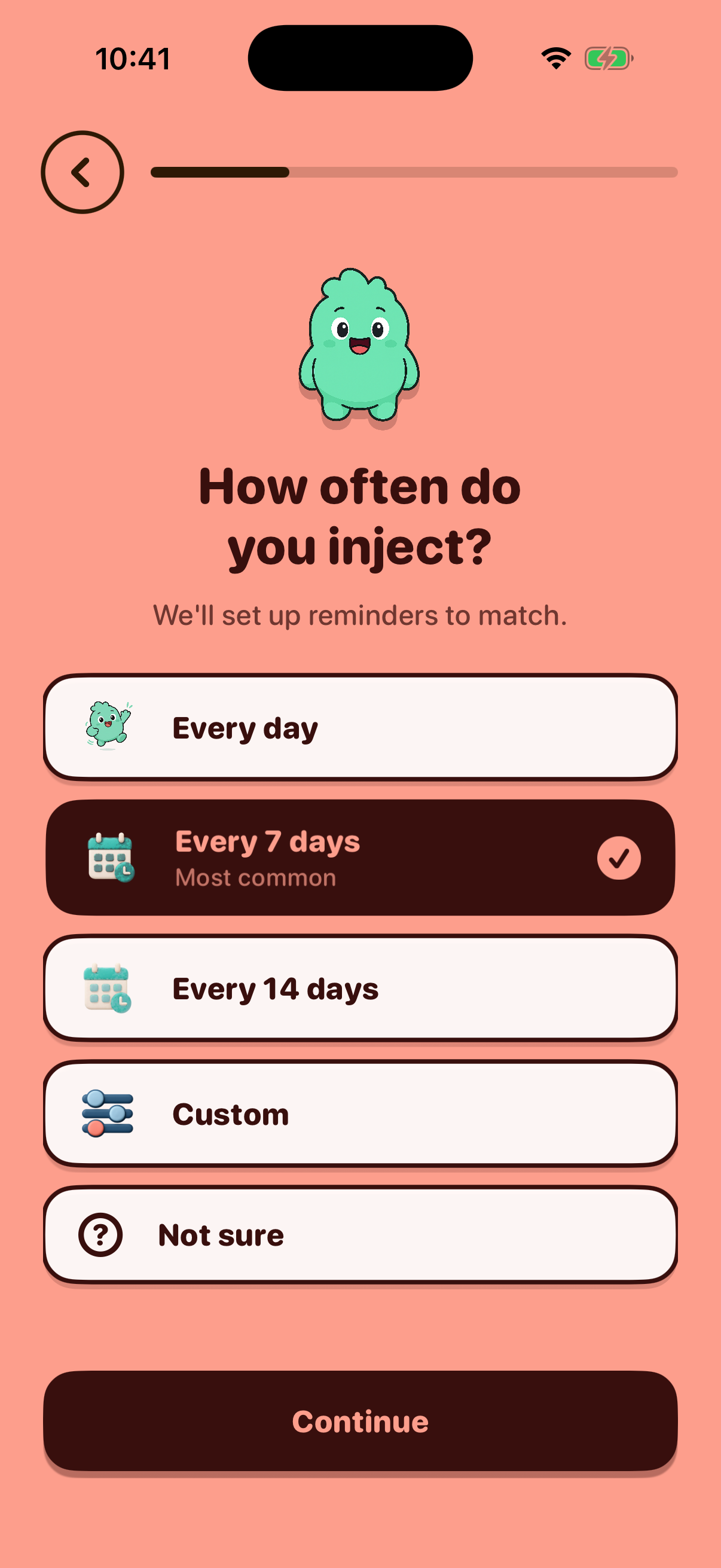
- 11 Notifications Permission
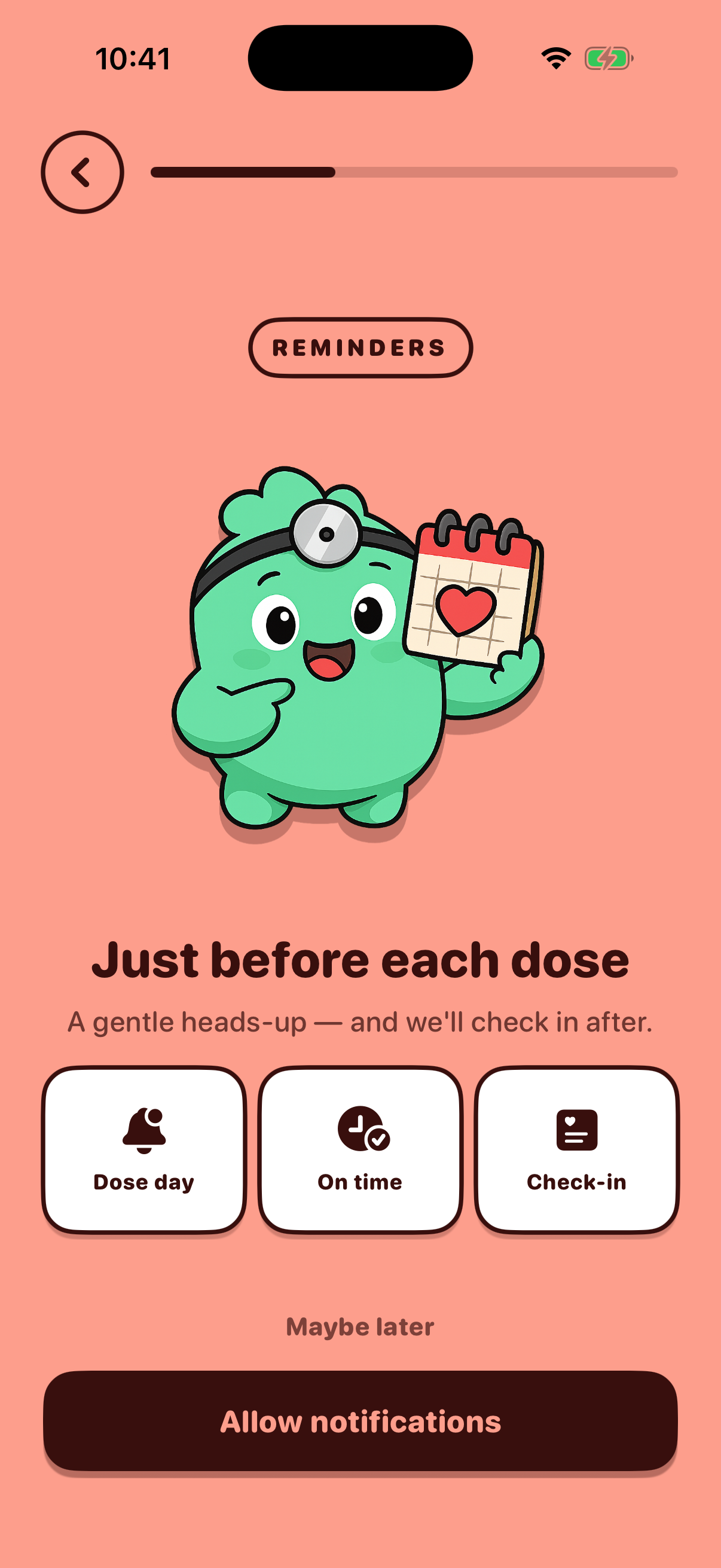
- 12 Injection Day Selection
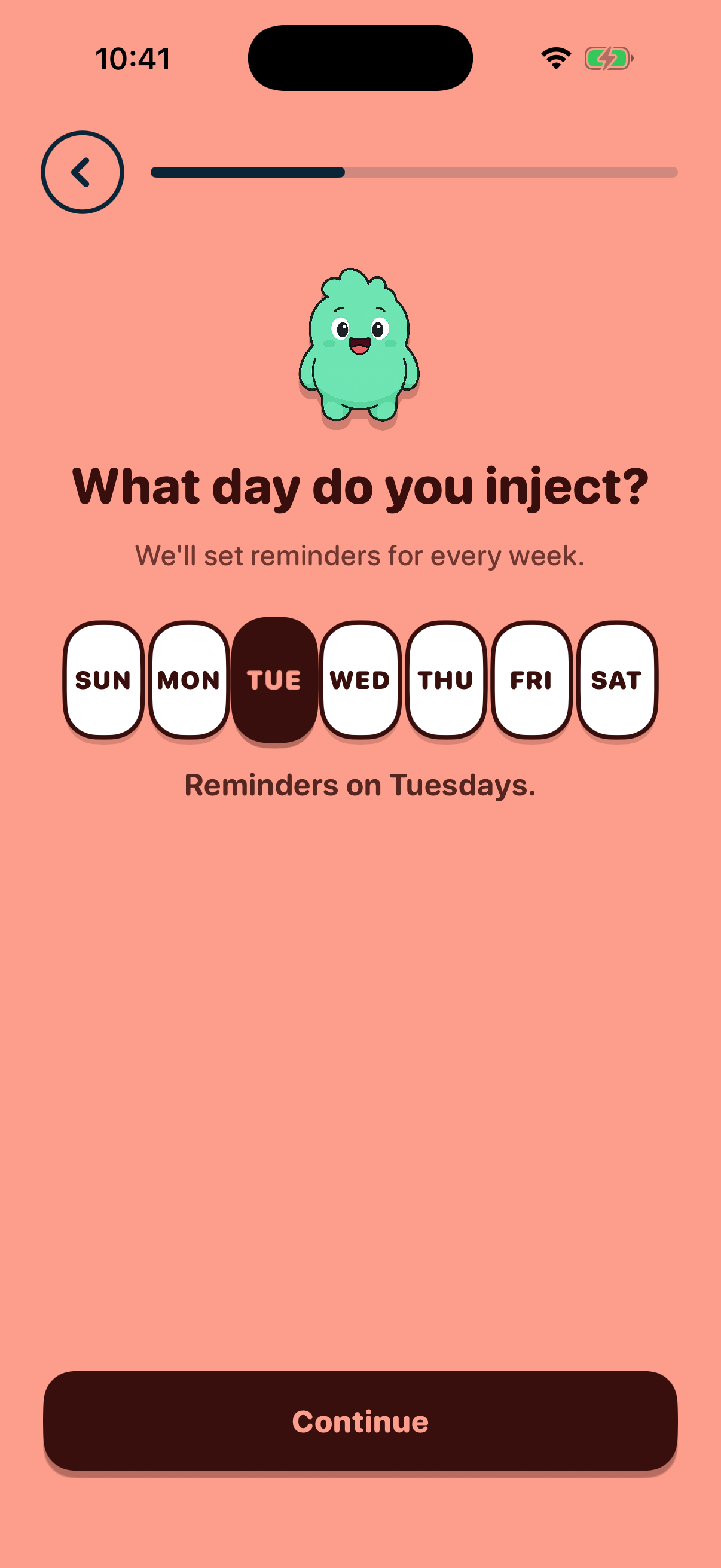
- 13 Schedule Time
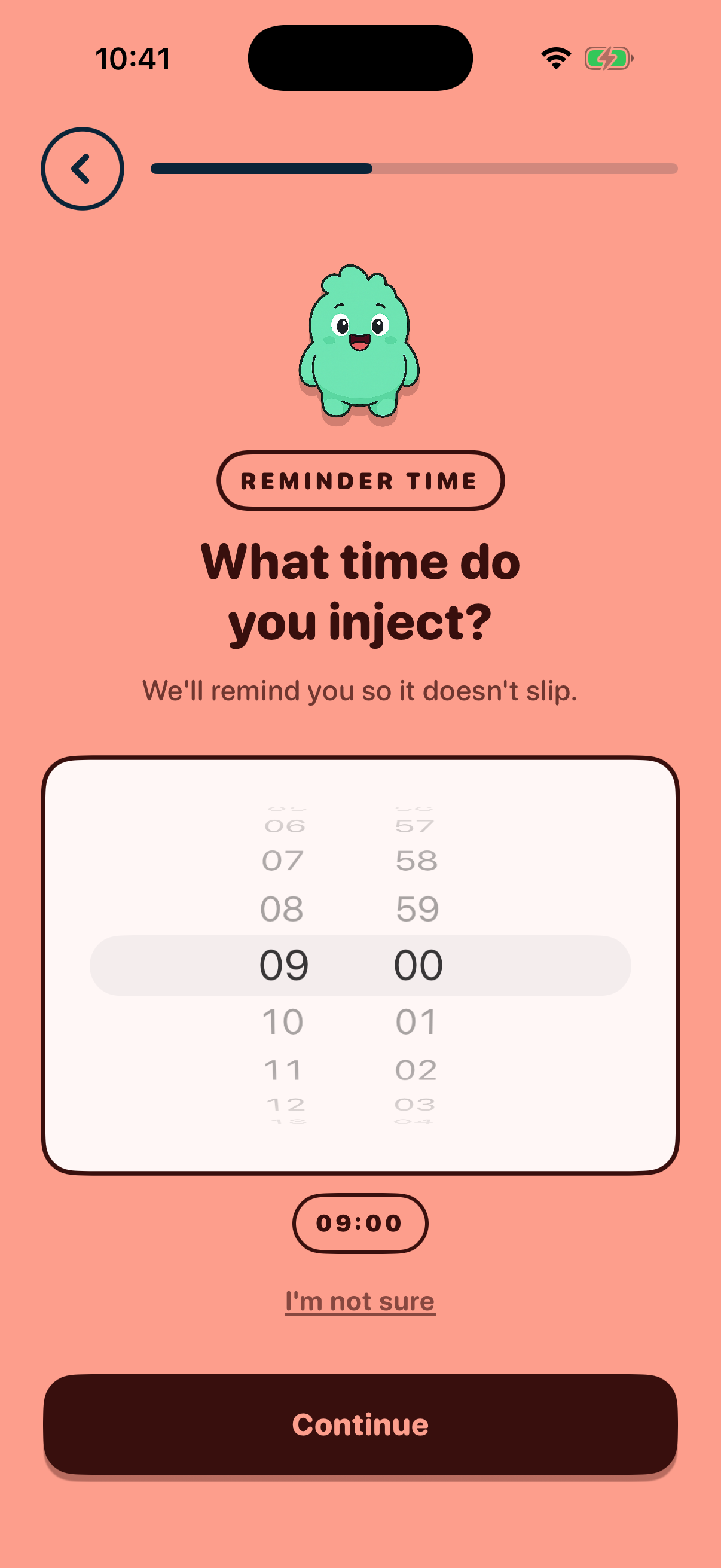
- 14 Last Injection Date
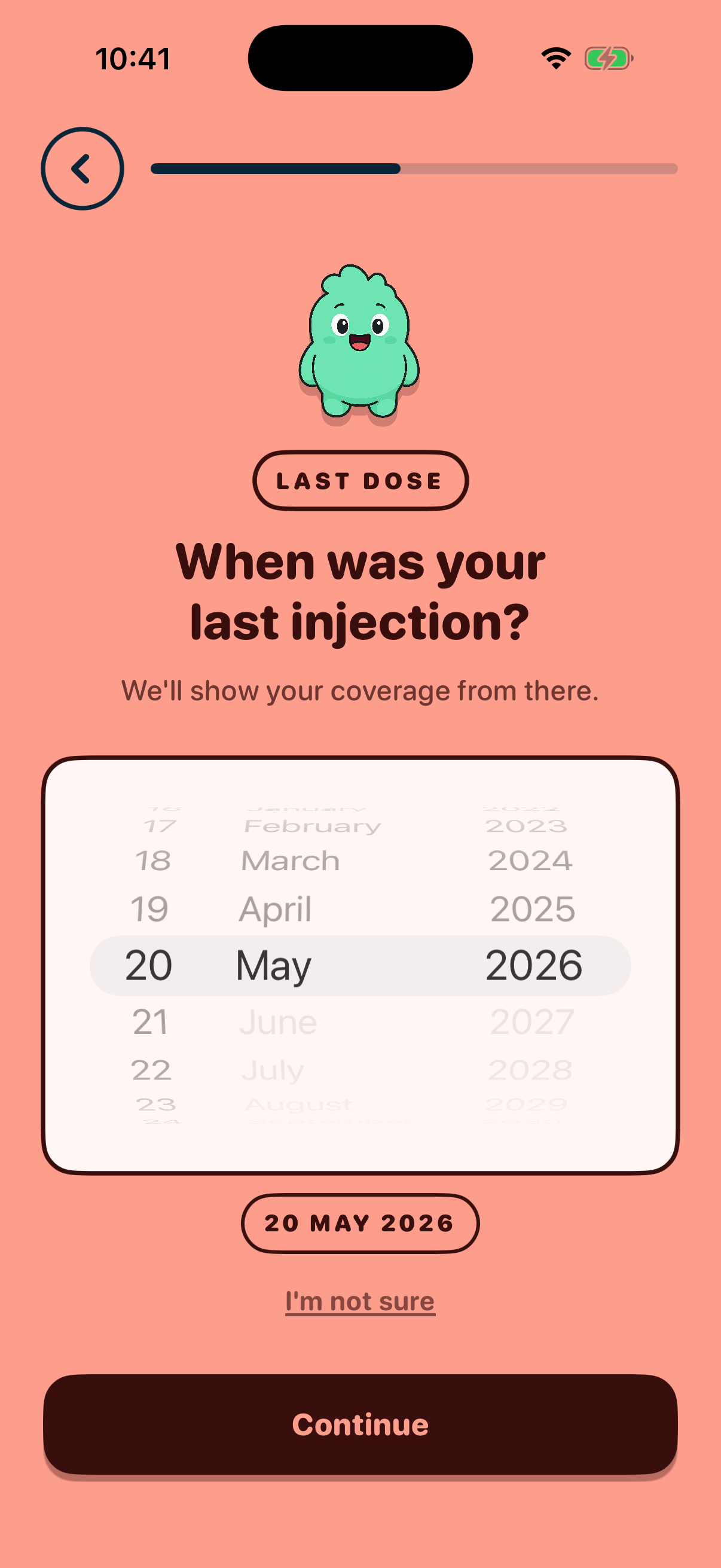
- 15 Gender Selection
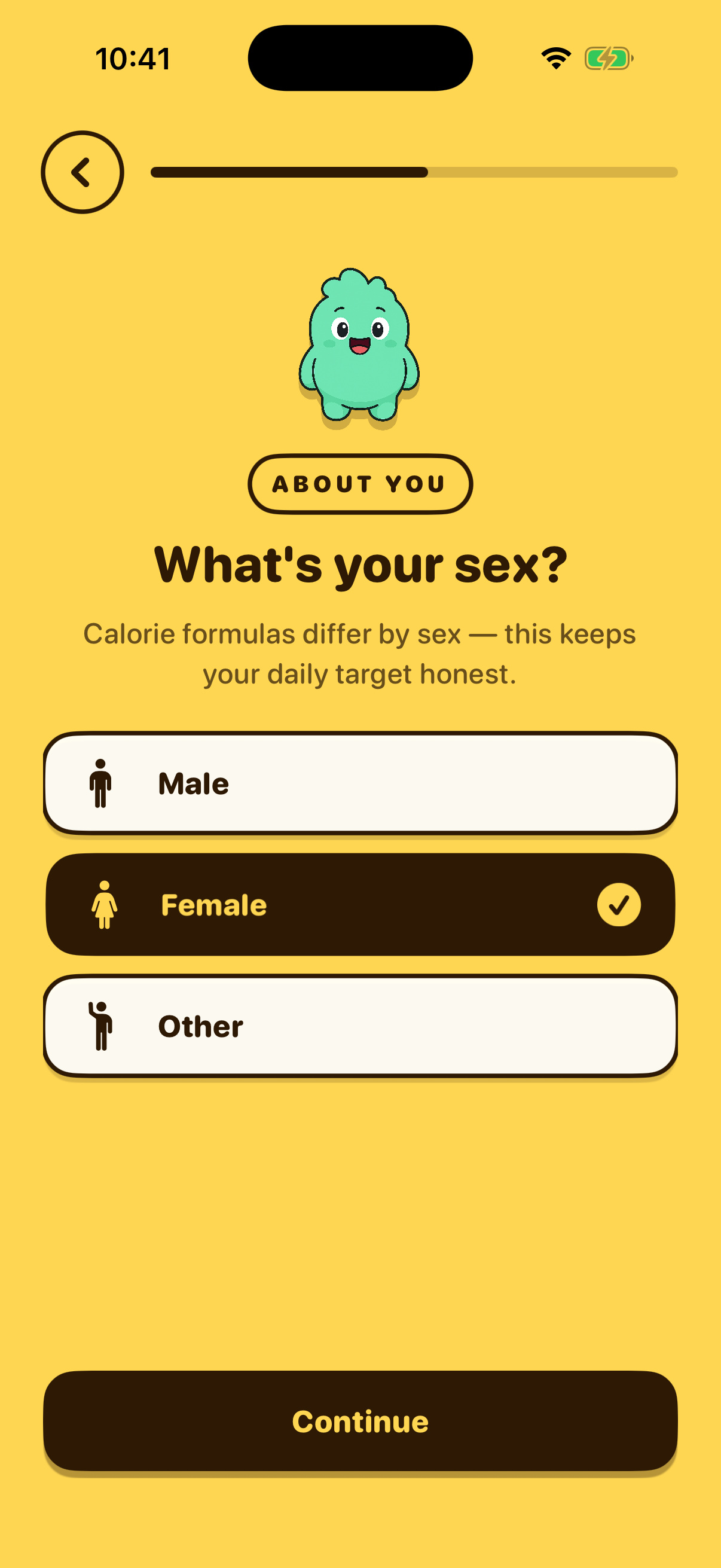
- 16 Birthday
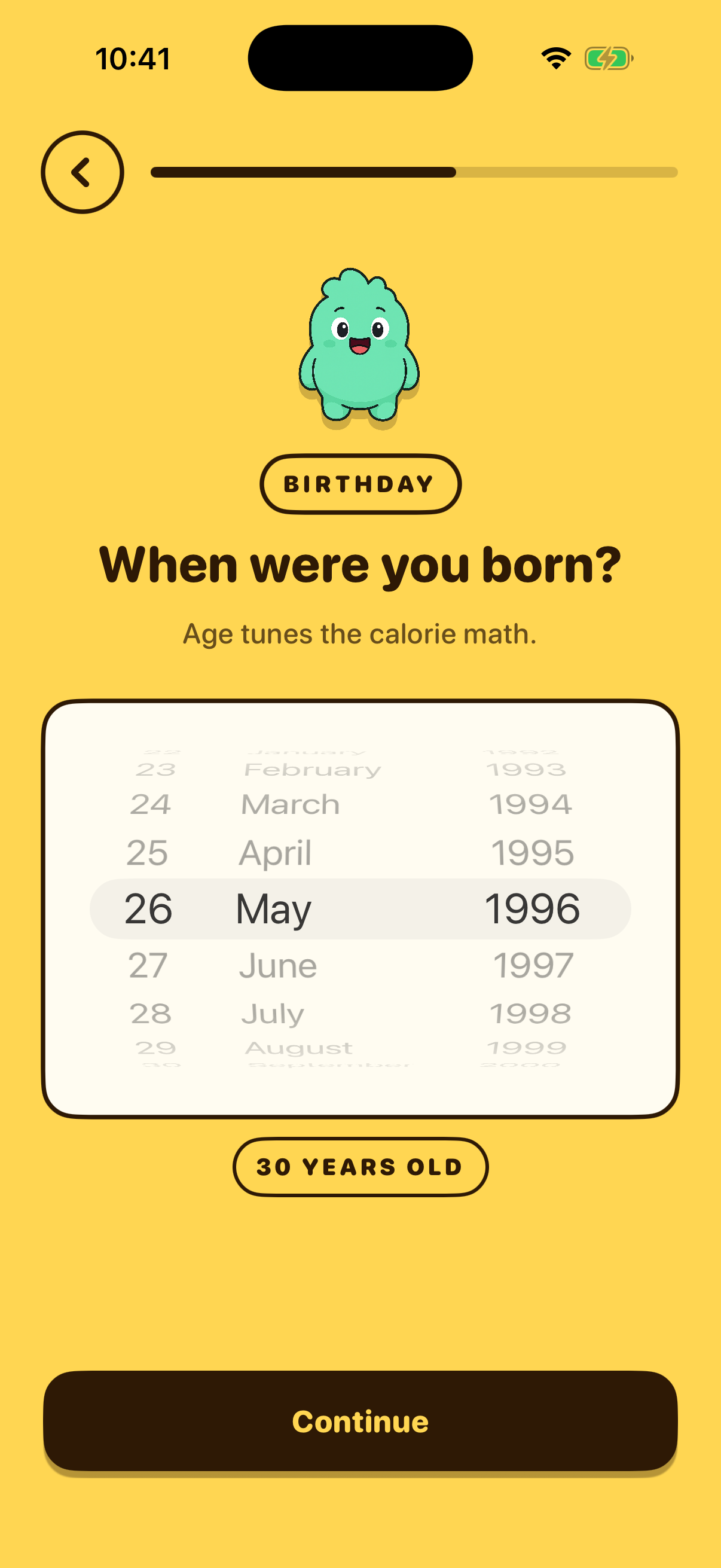
- 17 Height
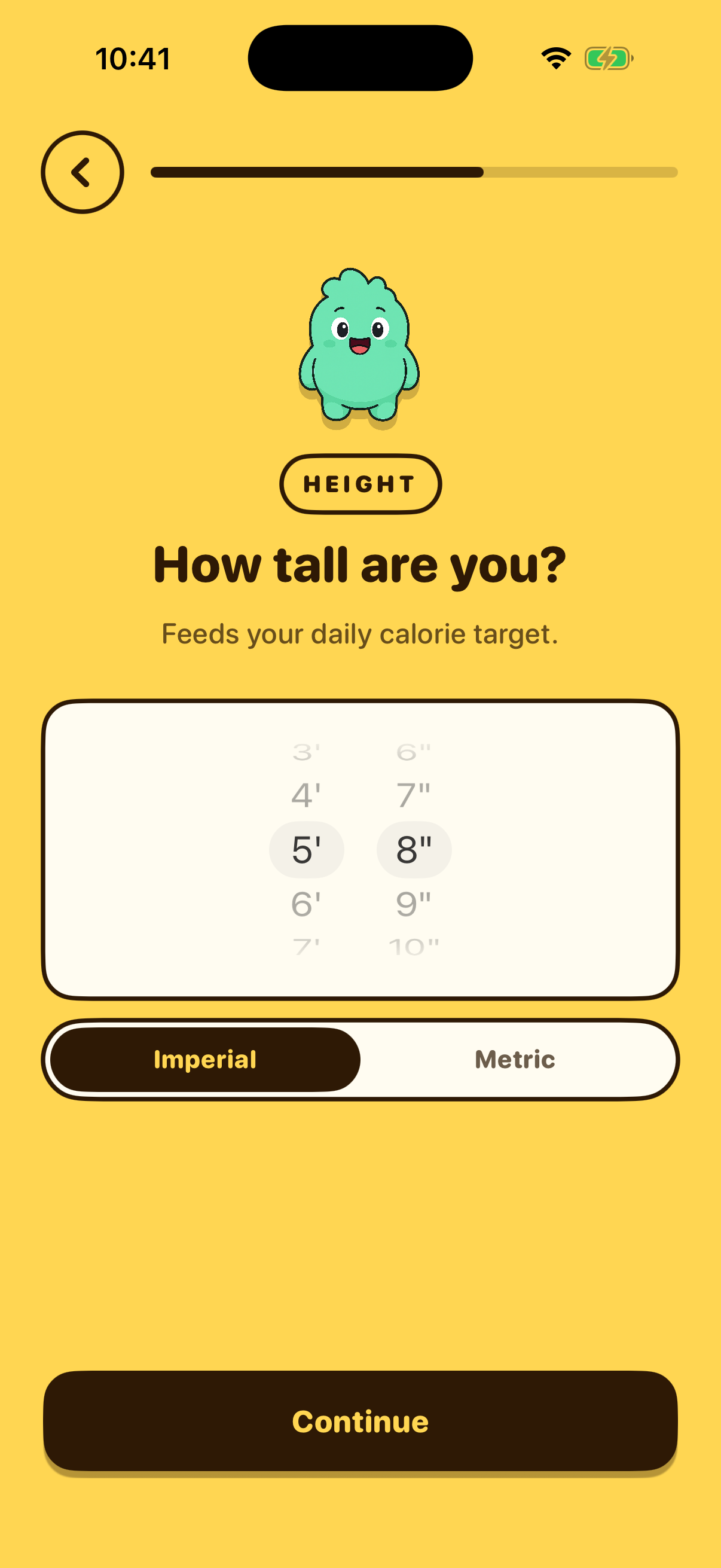
- 18 Weight
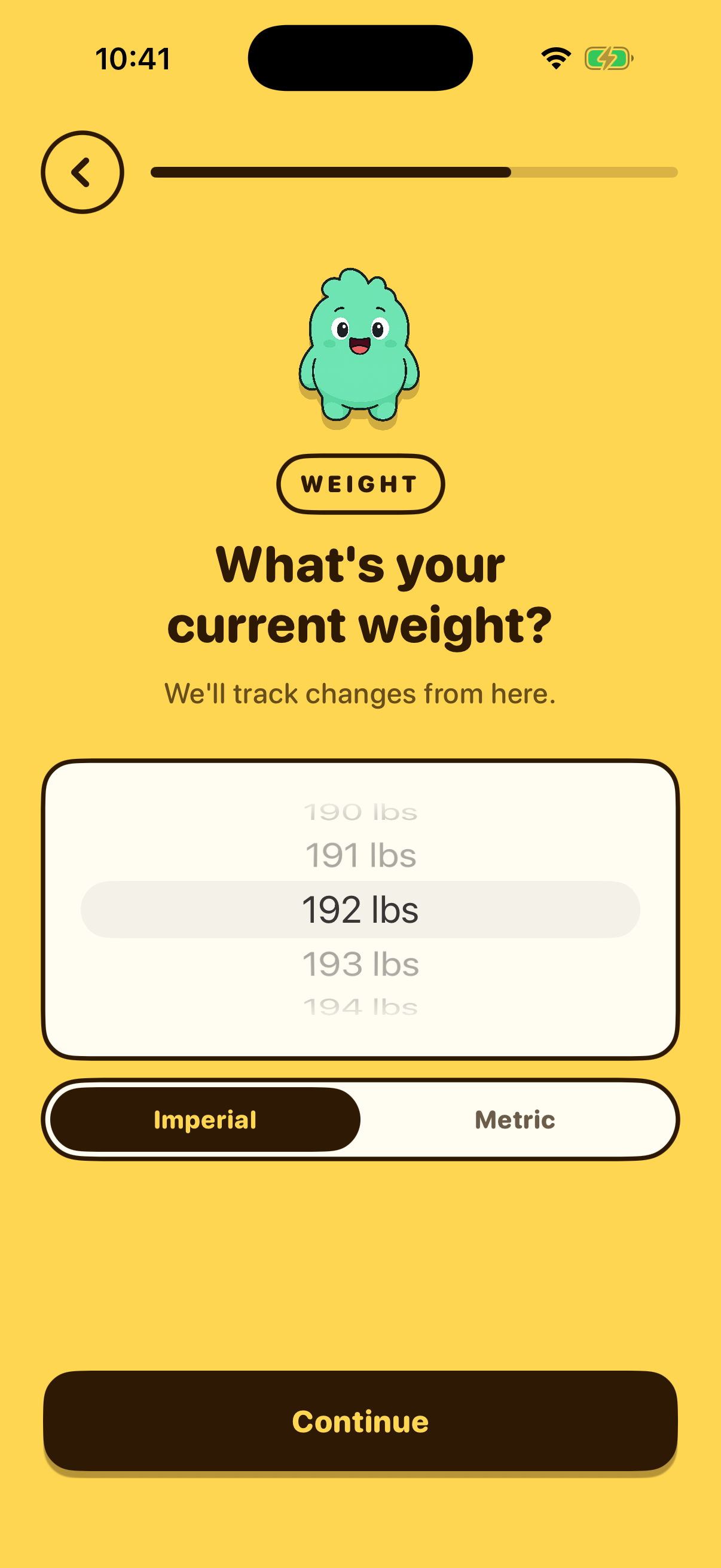
- 19 Weight Goal
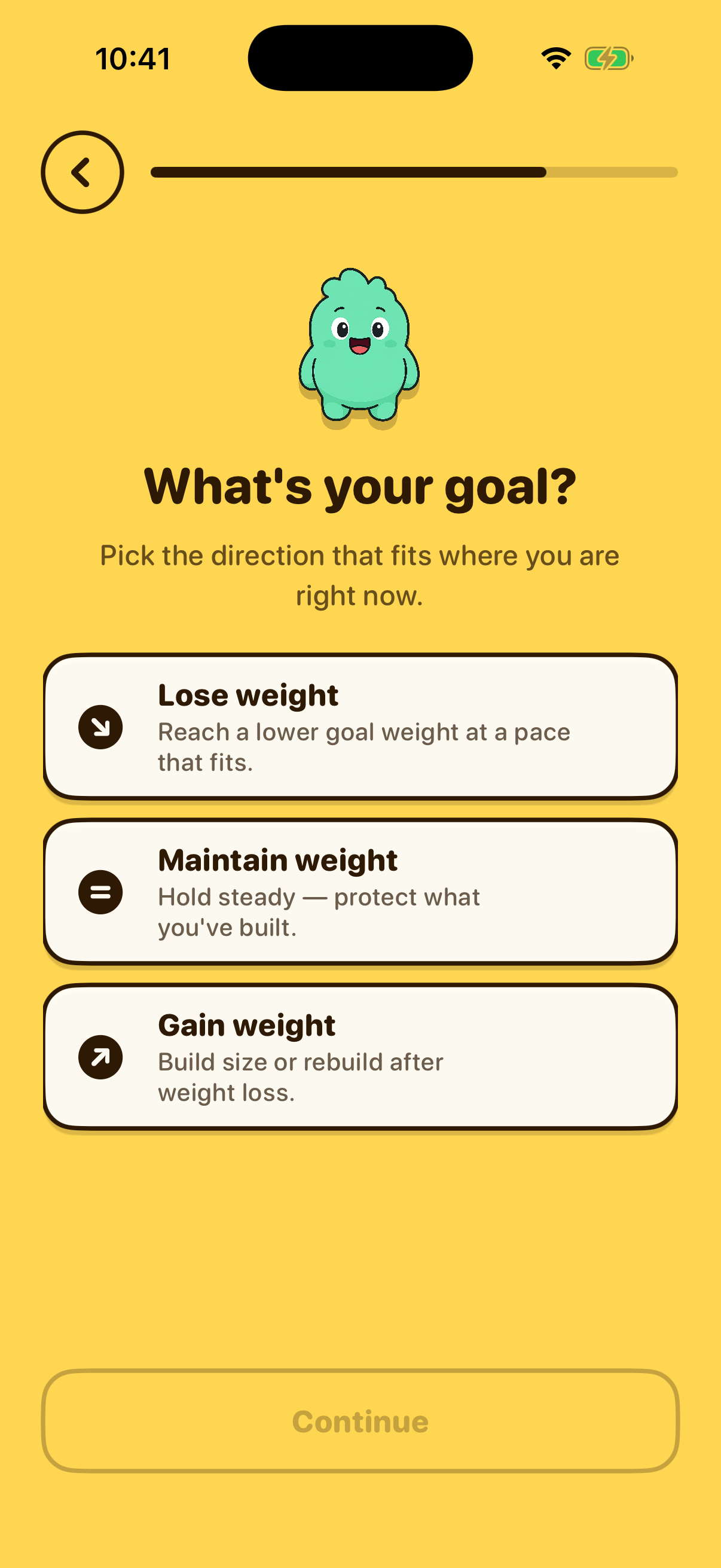
- 20 Goal Weight
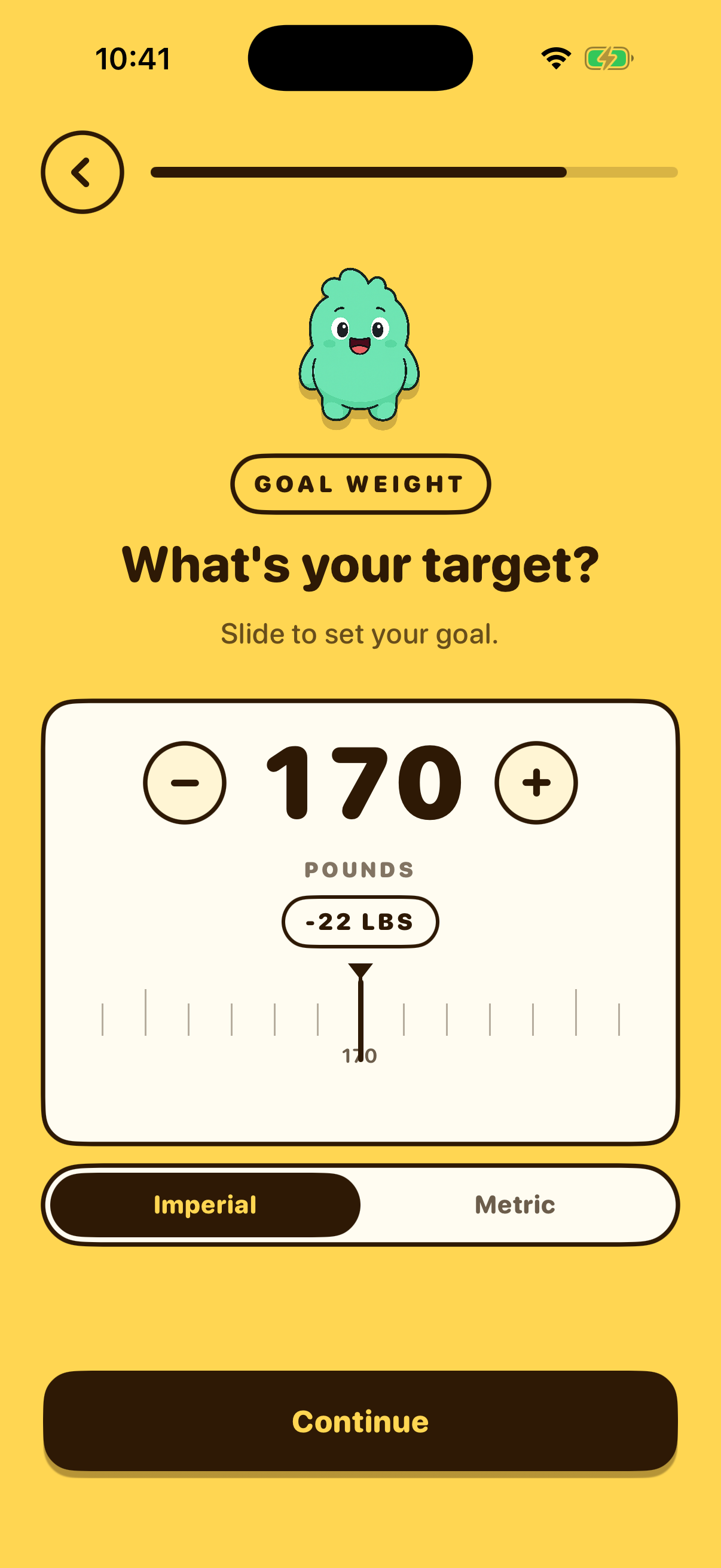
- 21 Weight Pace
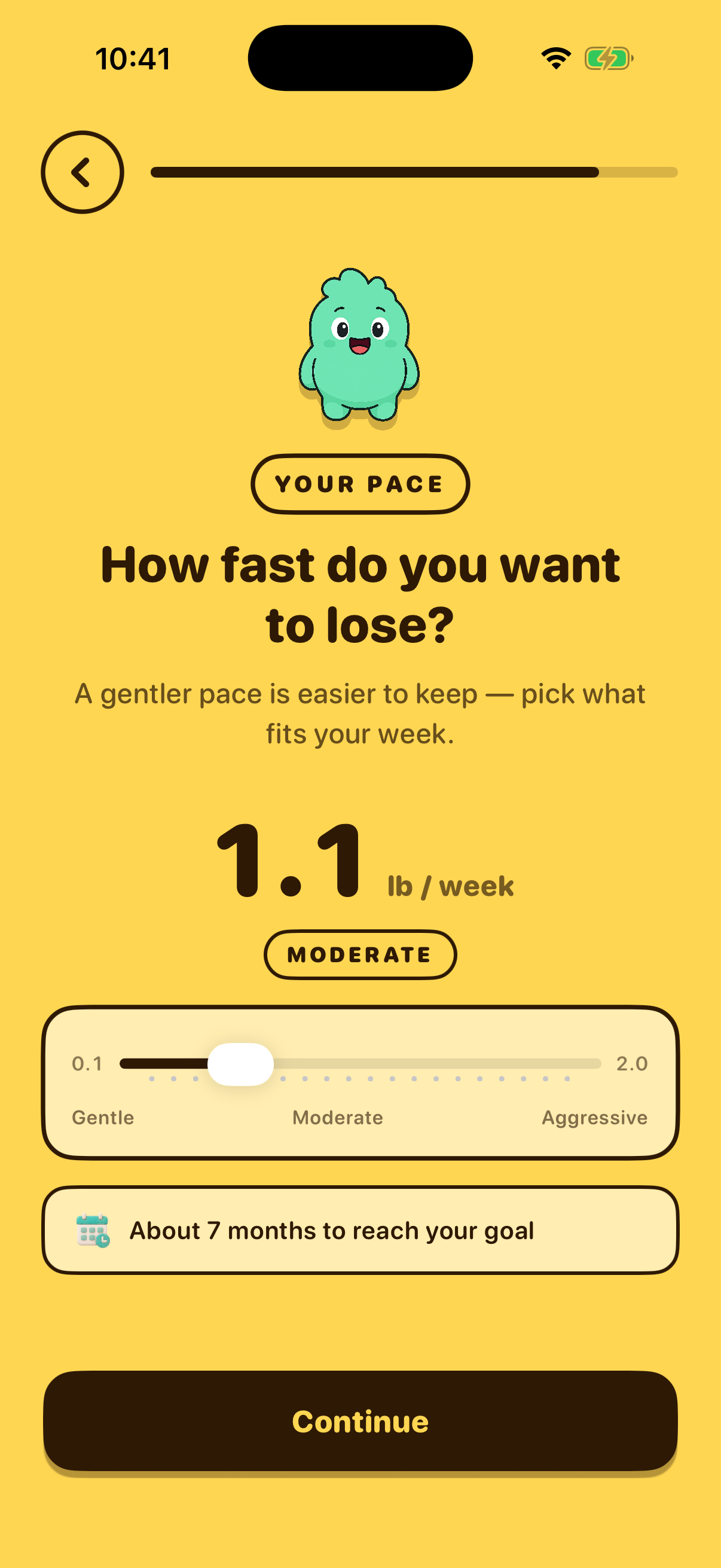
- 22 Weight Goal Affirmation
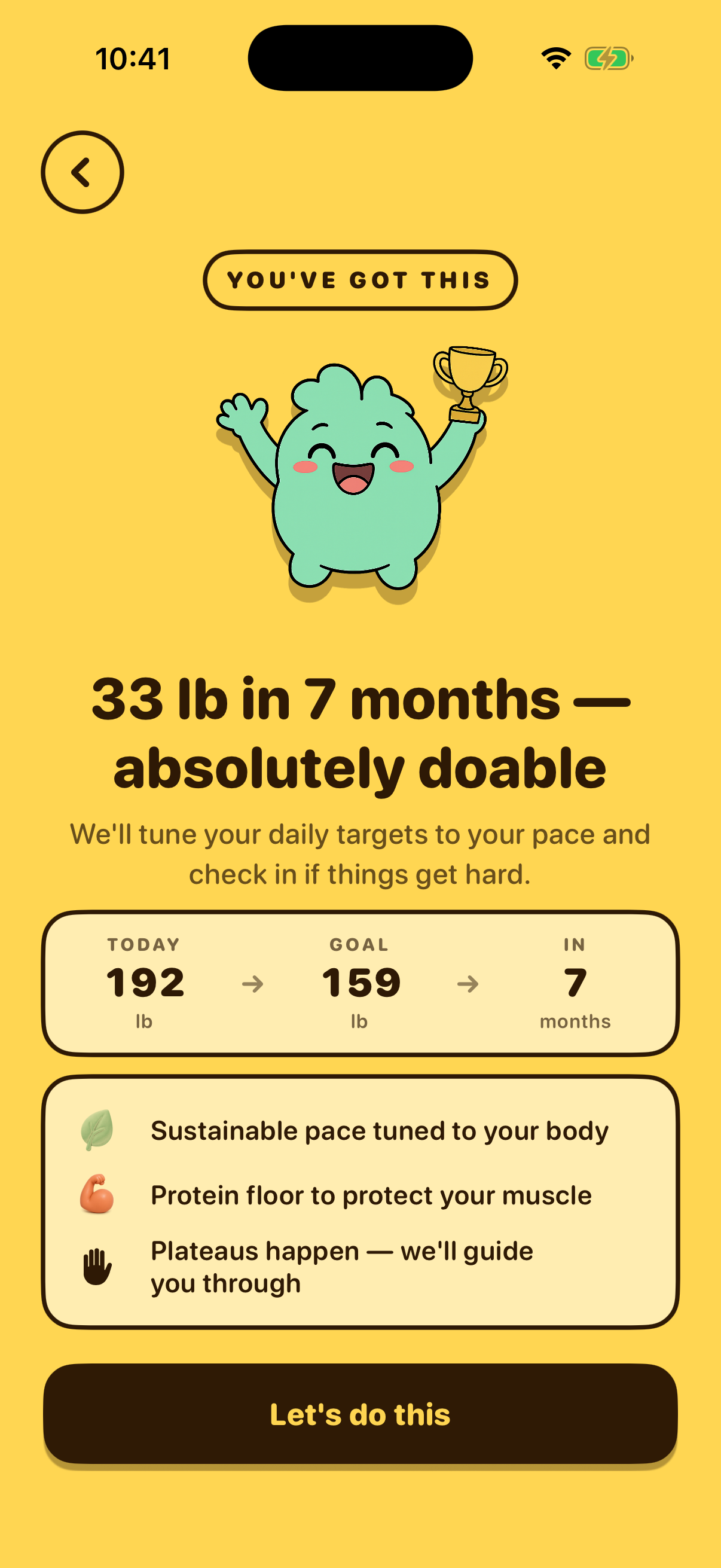
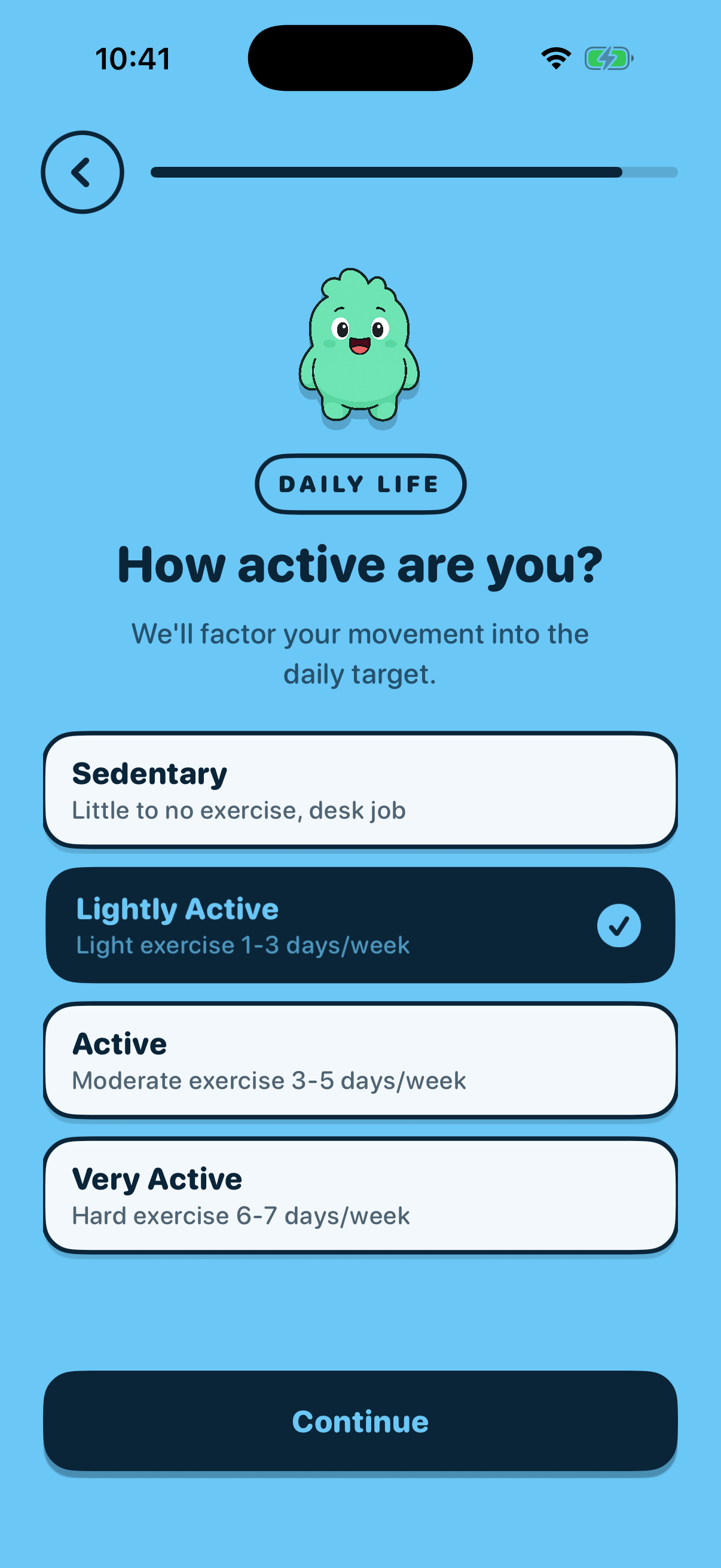
- 23 Activity Level
- 24 HealthKit Benefits

- 25 Tracking Style optional
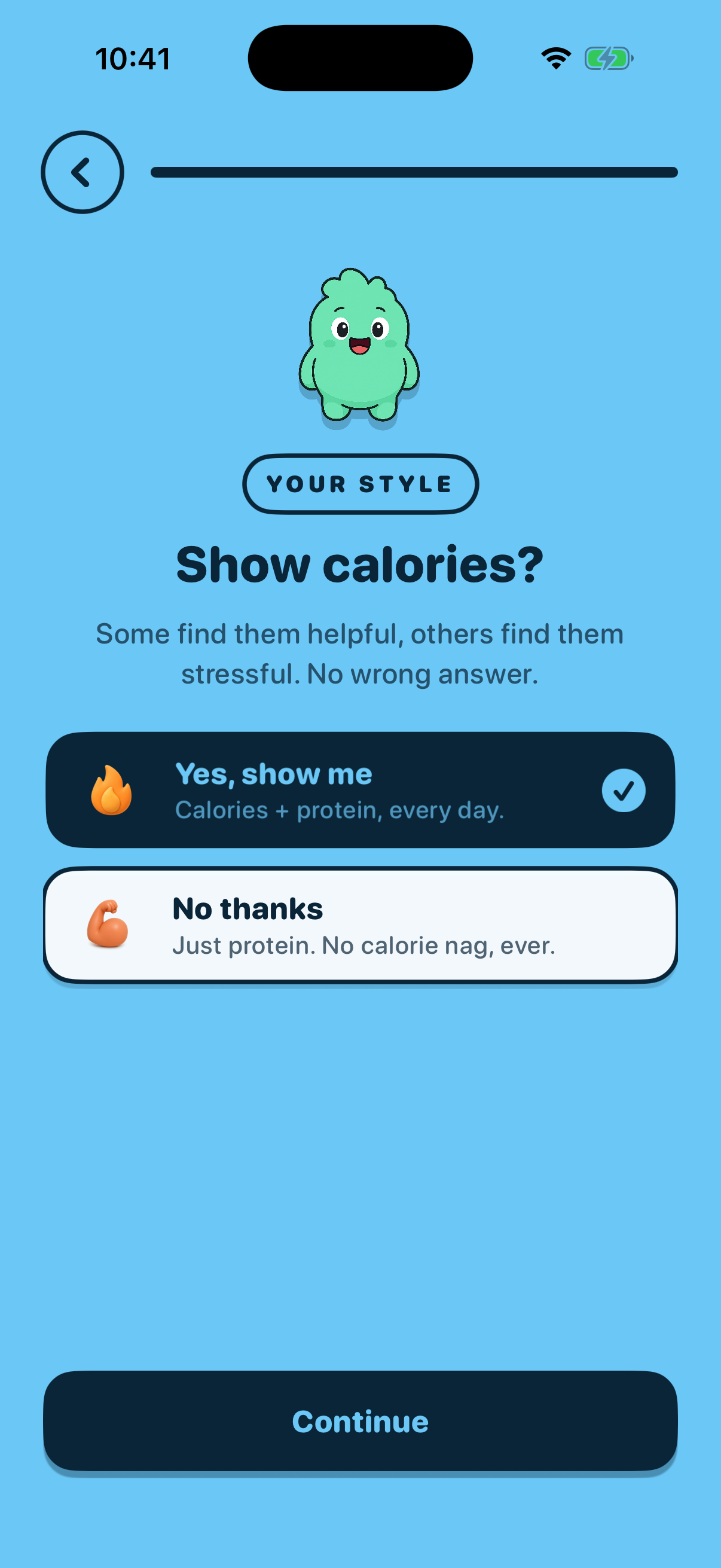
- 26 Tracking Affirmation optional
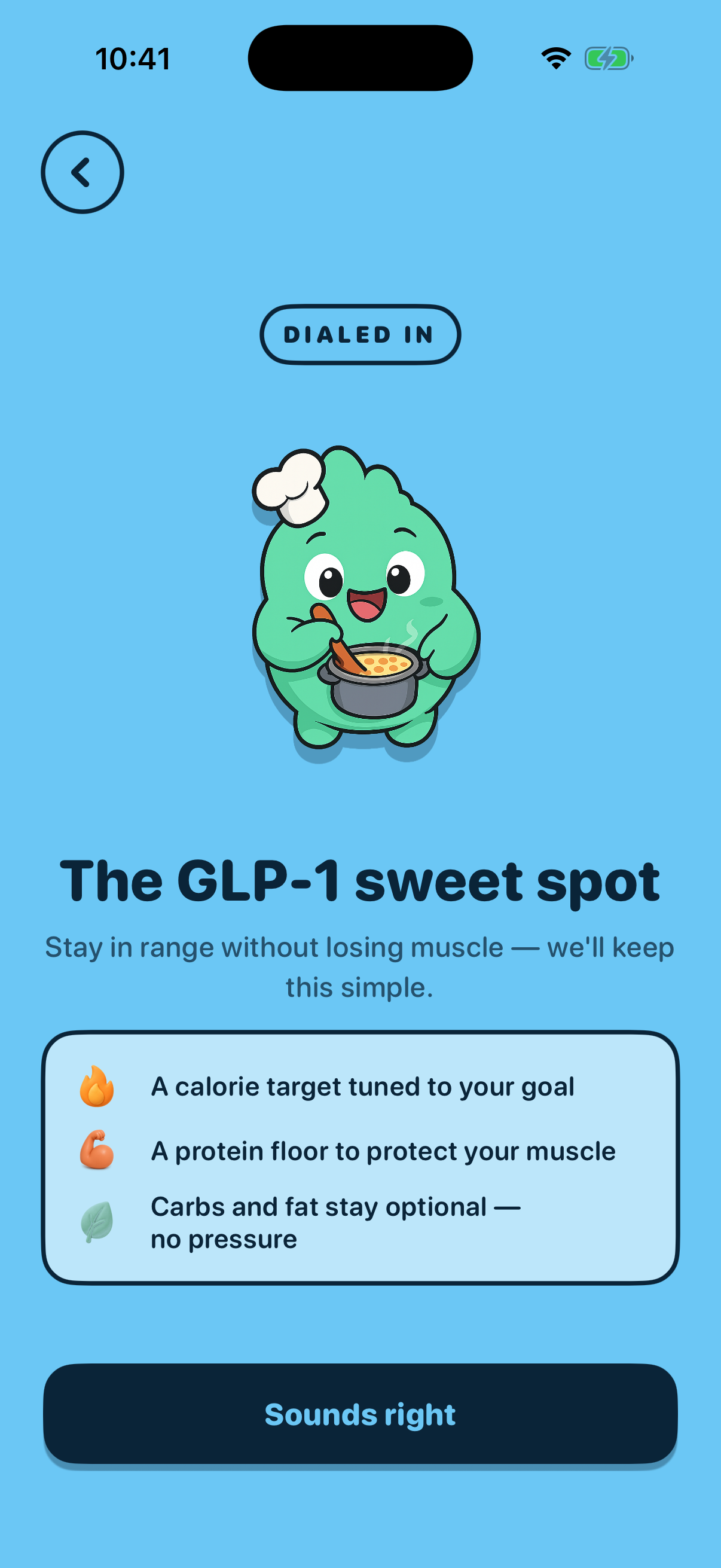
- 27 Plan Preview
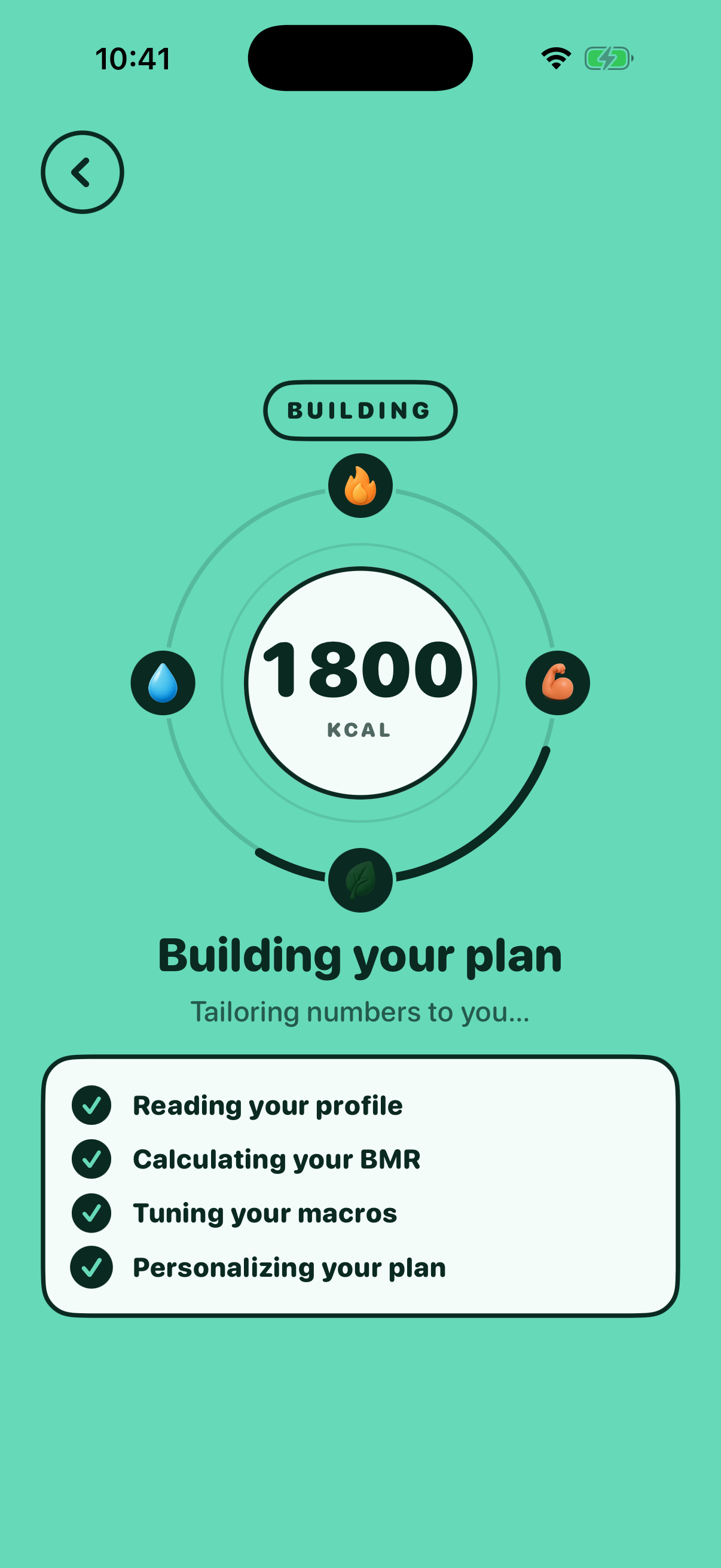
- 28 App Store Review optional

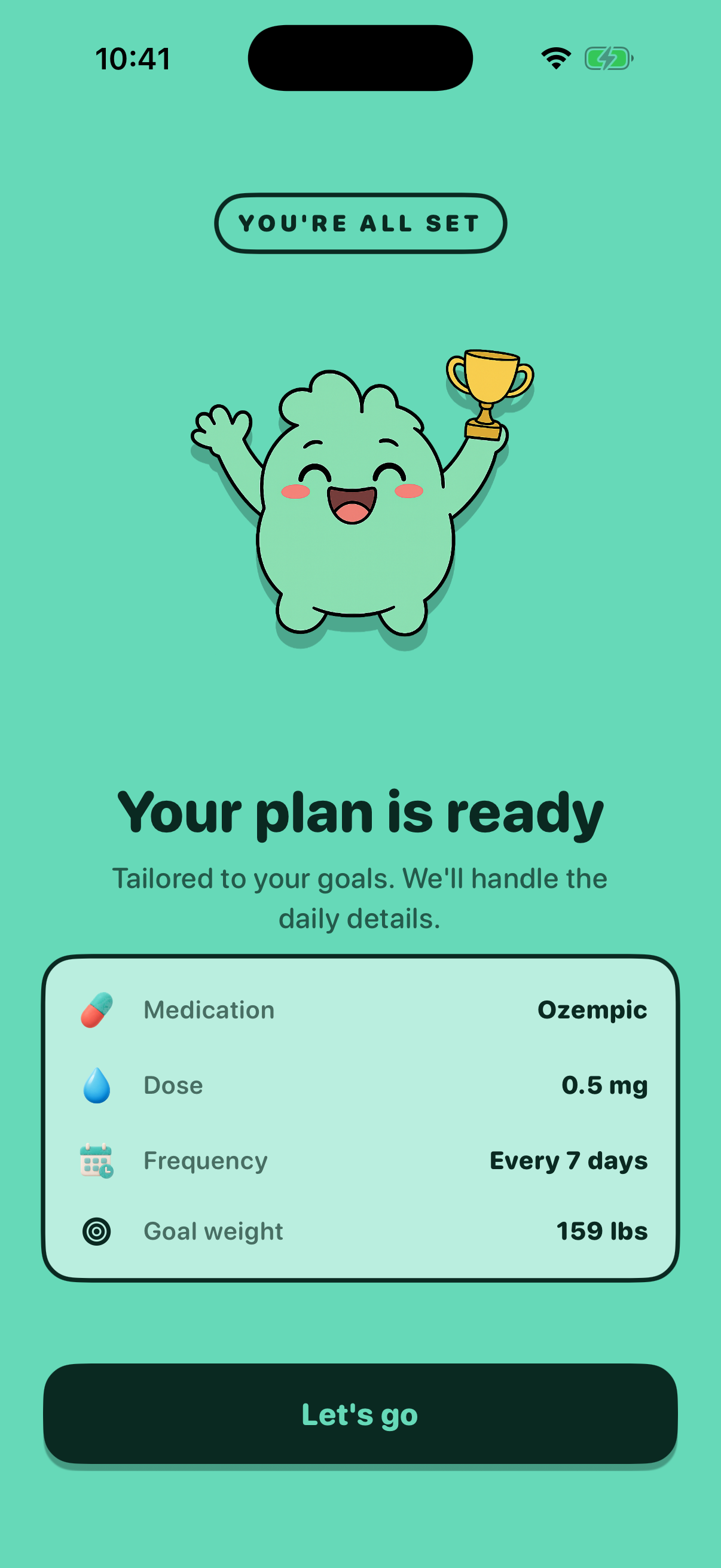
- 29 Completion
Config
The flow config this composition represents.
{
  "version": "draft",
  "stepOverrides": {},
  "variantSelections": {}
}
Publish
Write this composition to Convex for a variant key. The app fetches it for
users that the onboarding_flow_config_v1
experiment assigns to that variant; an invalid/absent config falls back to
today's flow. Publishing is operator-gated and runs server-side.
Tip: keep control = today's flow; publish a
new variant key (e.g. no_review) for a real
change, then add that variant to the PostHog experiment to ramp it.