Screens
Atlas captures of the onboarding screens, in journey order. Click any screen for full pixel-size, telemetry id, and re-capture command. The same screens appear inline next to each step on the Flow page.
Manifest generated 2026-06-03T21:33:27.150Z.
Step set derived from the generated flow catalog
(src/generated/onboarding-flow.json).
29 of 29 steps have a current screenshot.
-
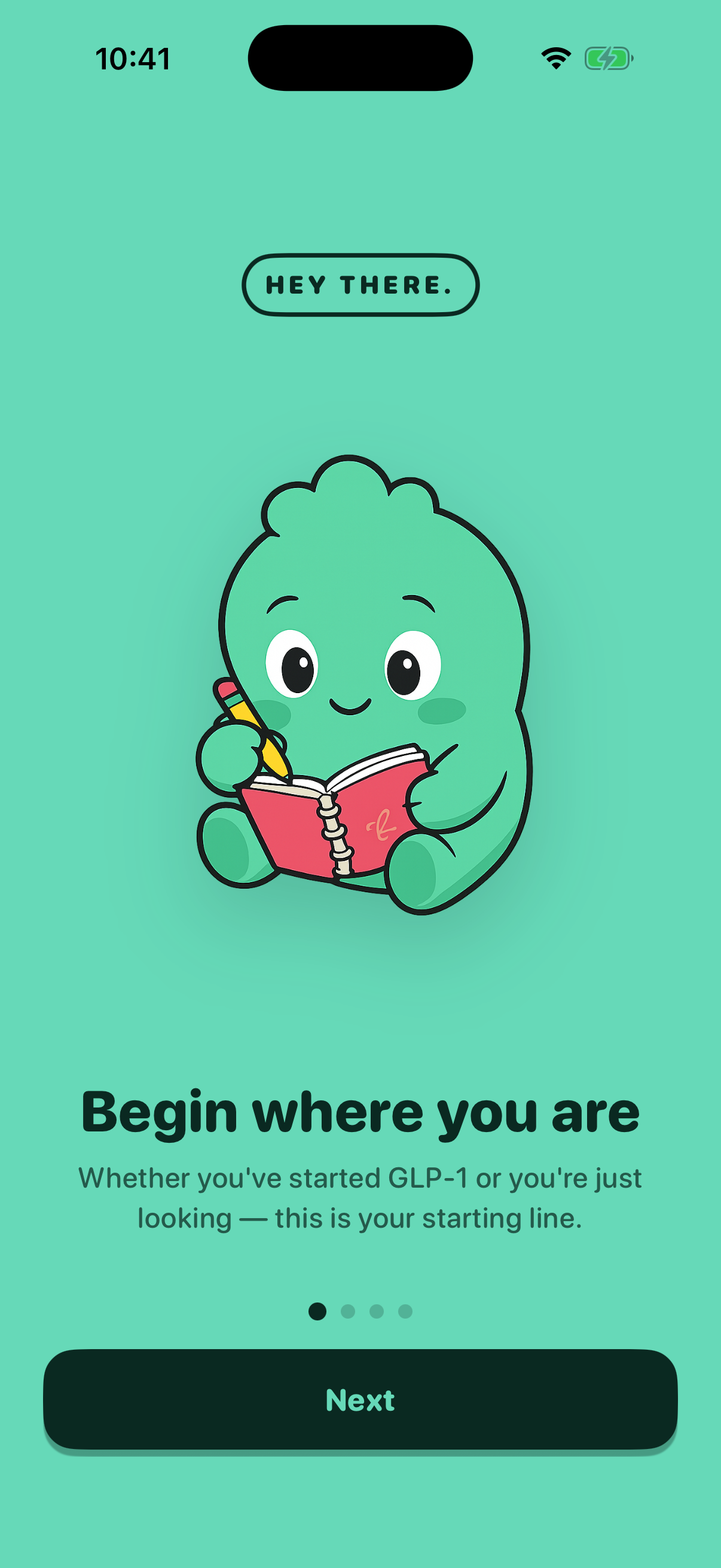 Welcomeonboarding-welcome8 days ago
 -
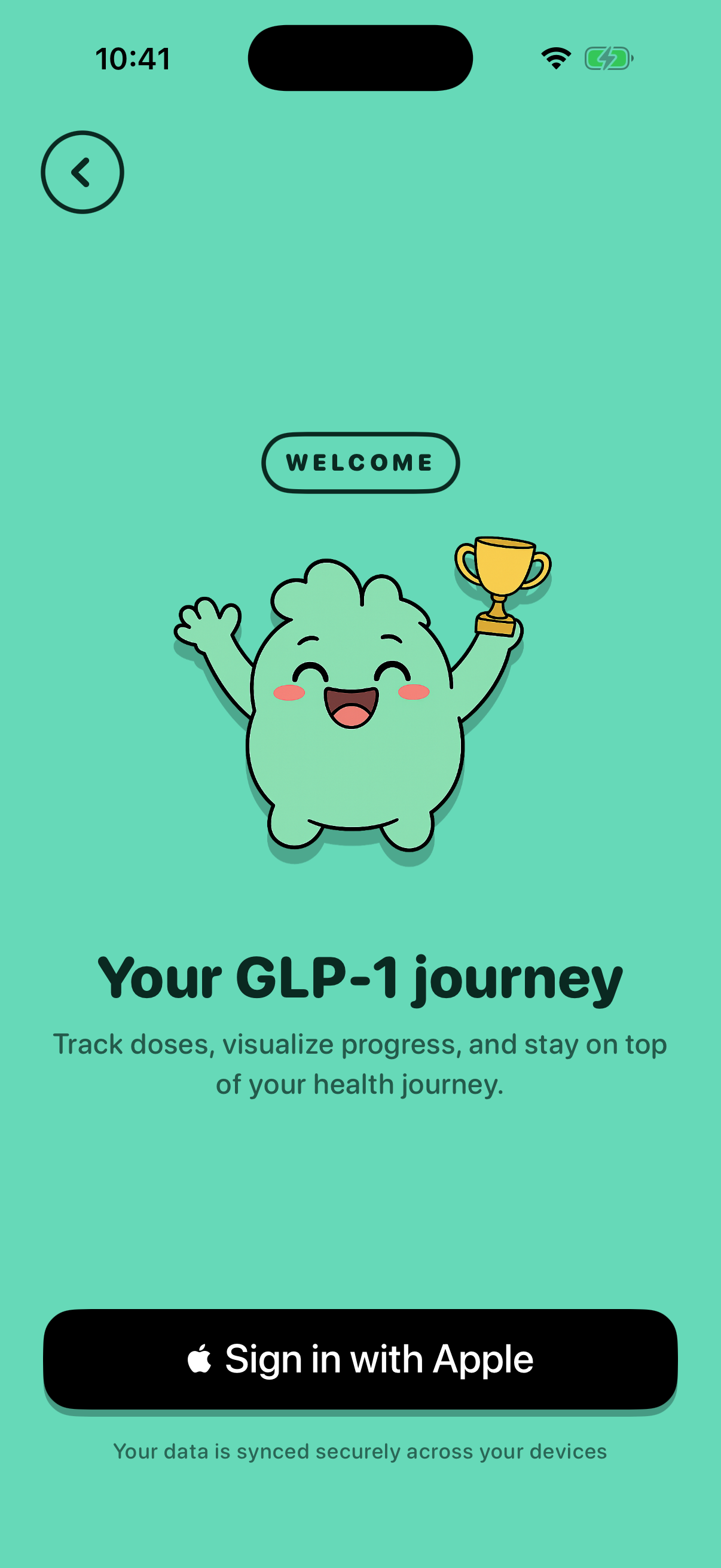 Sign Inonboarding-signin8 days ago
 -
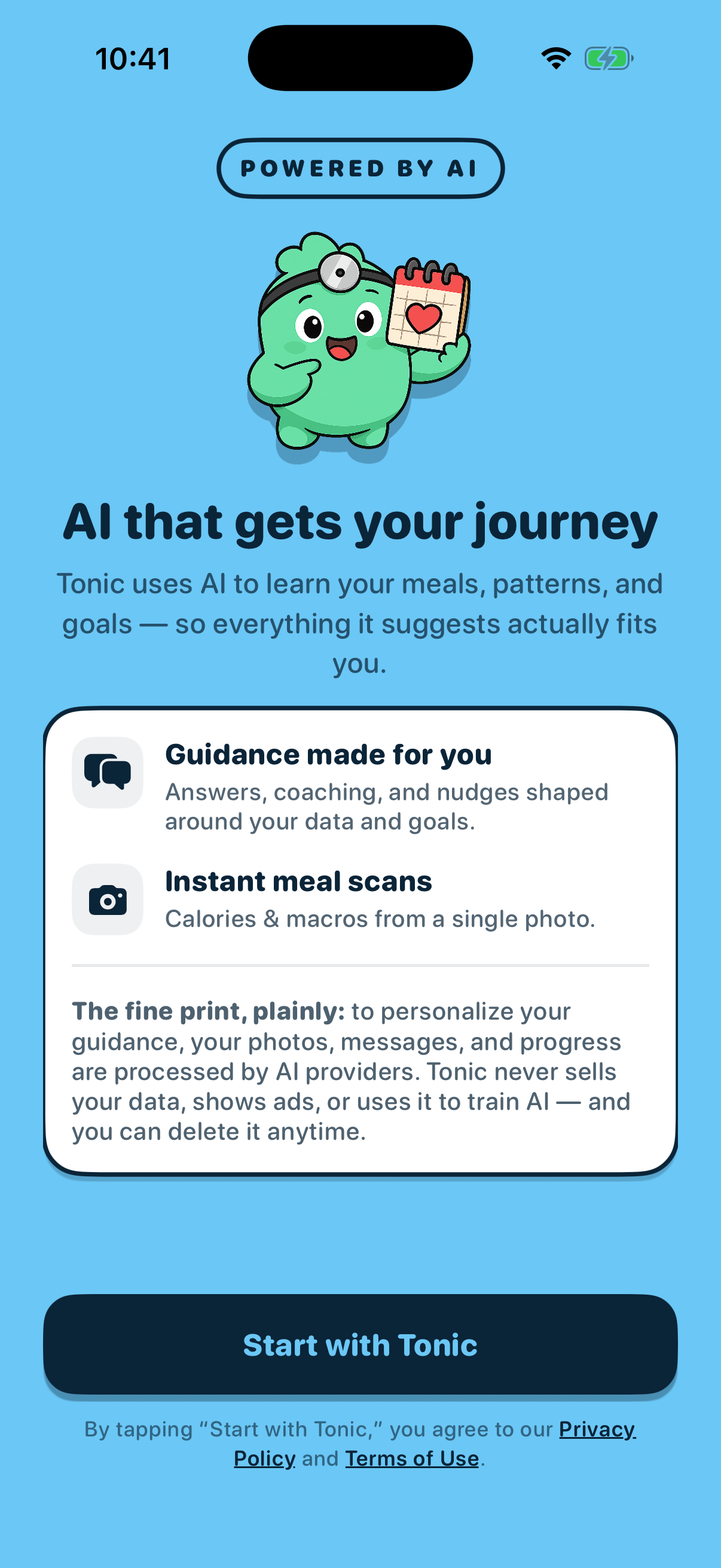 AI Consentonboarding-ai-consenttoday
 -
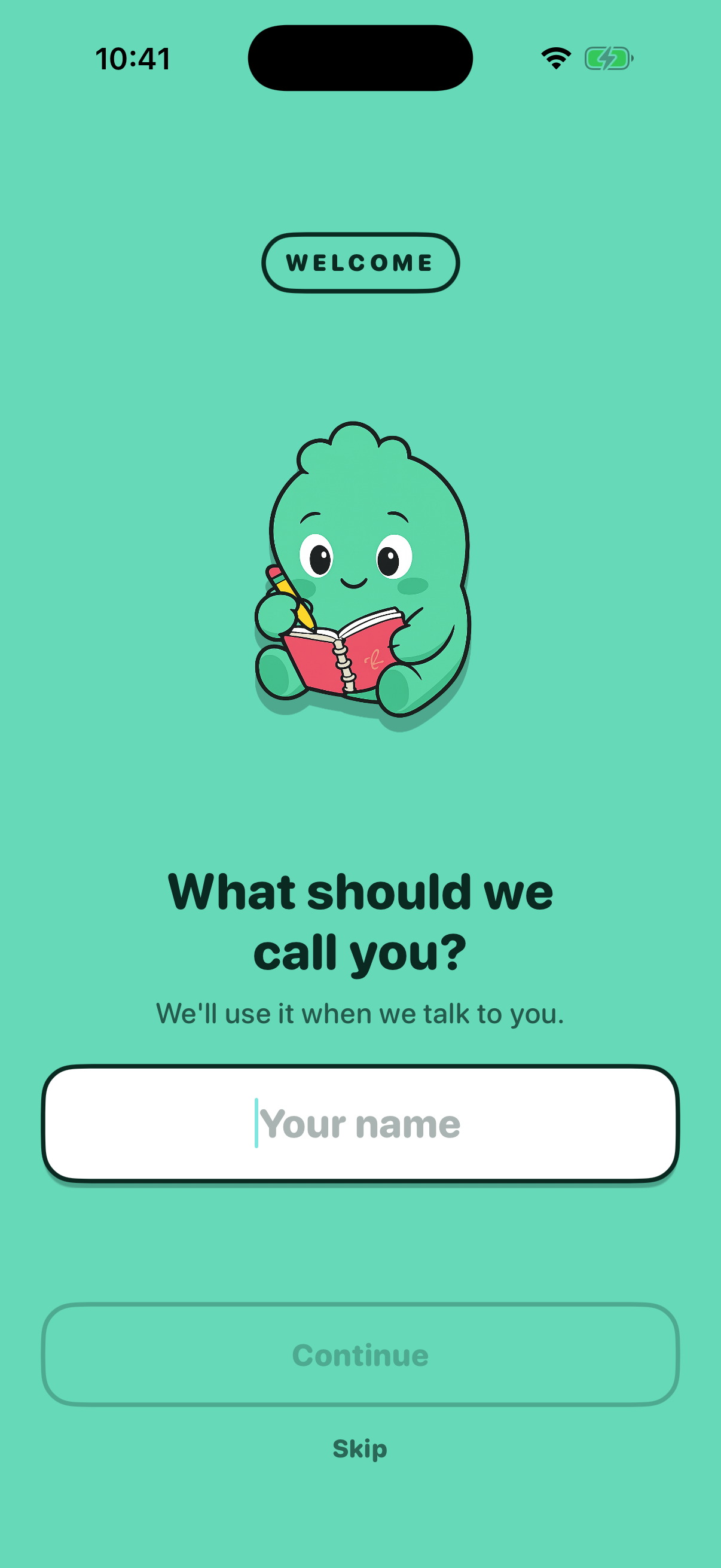 Name Inputonboarding-name-inputtoday
 -
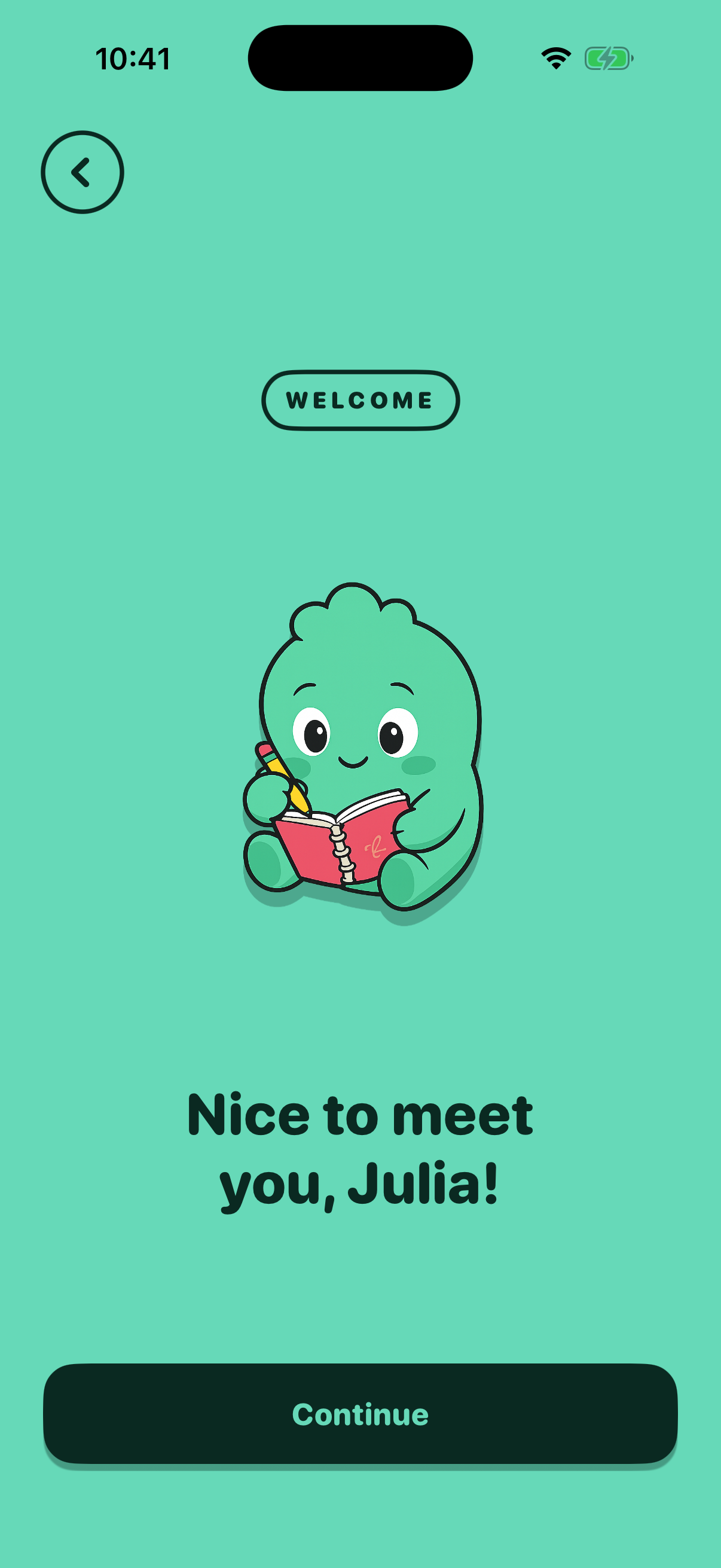 Name Affirmationonboarding-name-affirmationtoday
 -
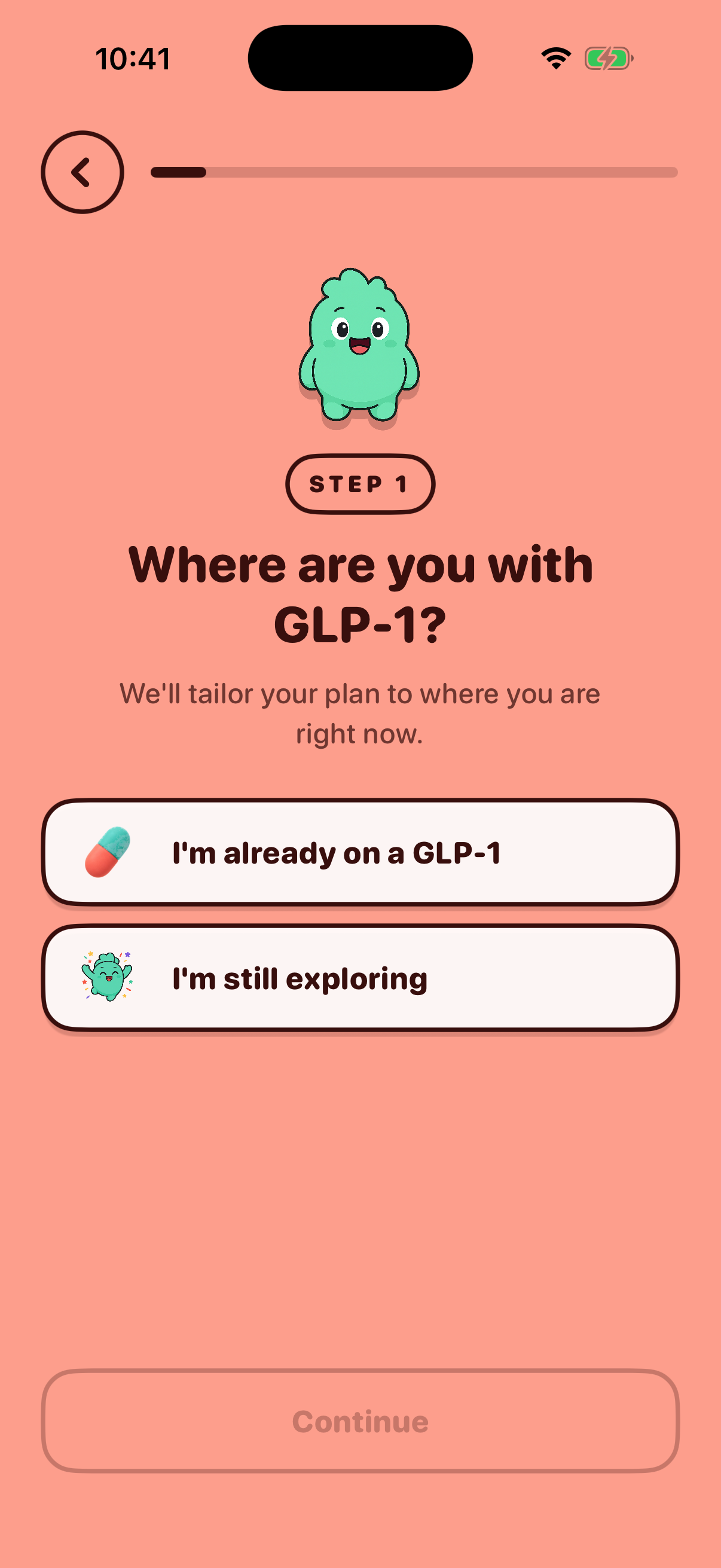 Journey Statusonboarding-journey8 days ago
 -
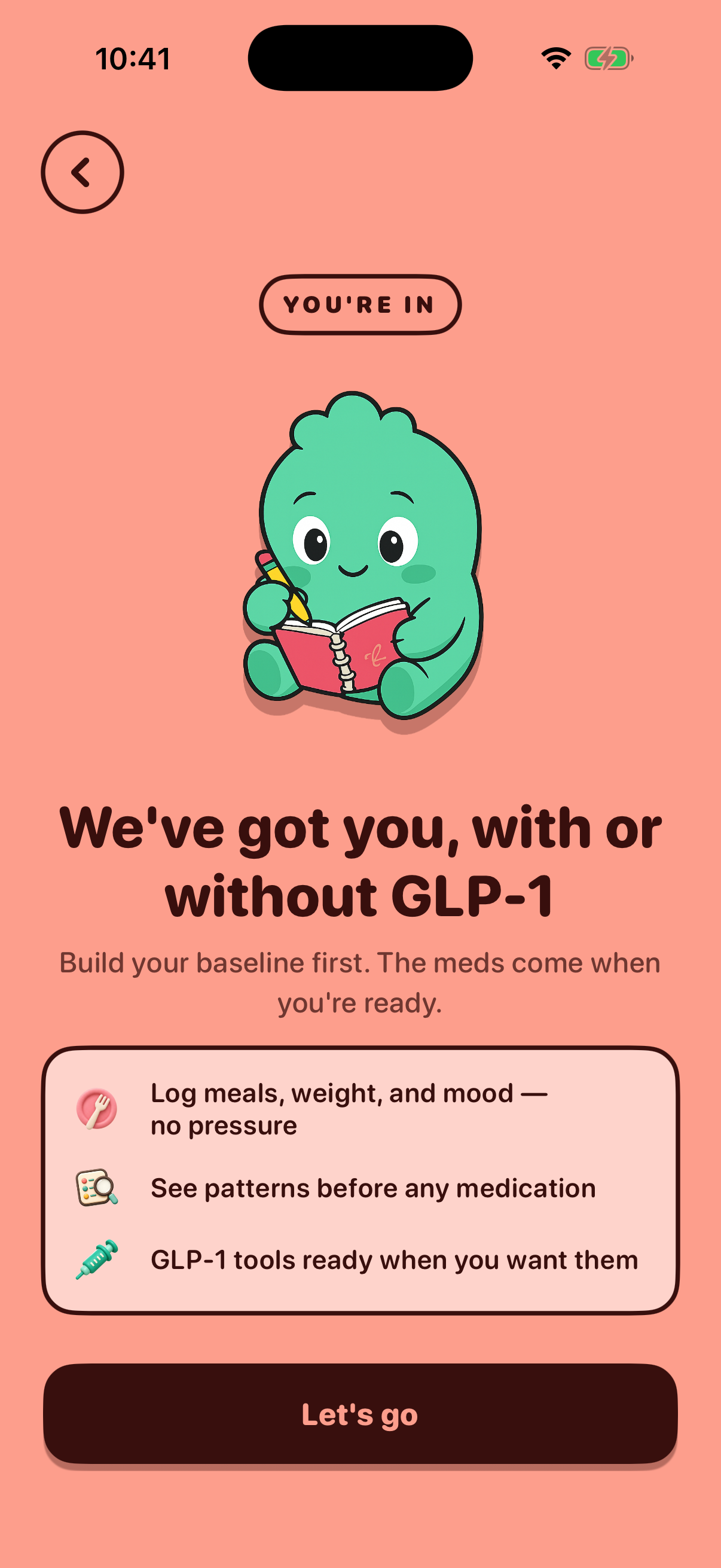 Journey Affirmationonboarding-journey-affirmationtoday
 -
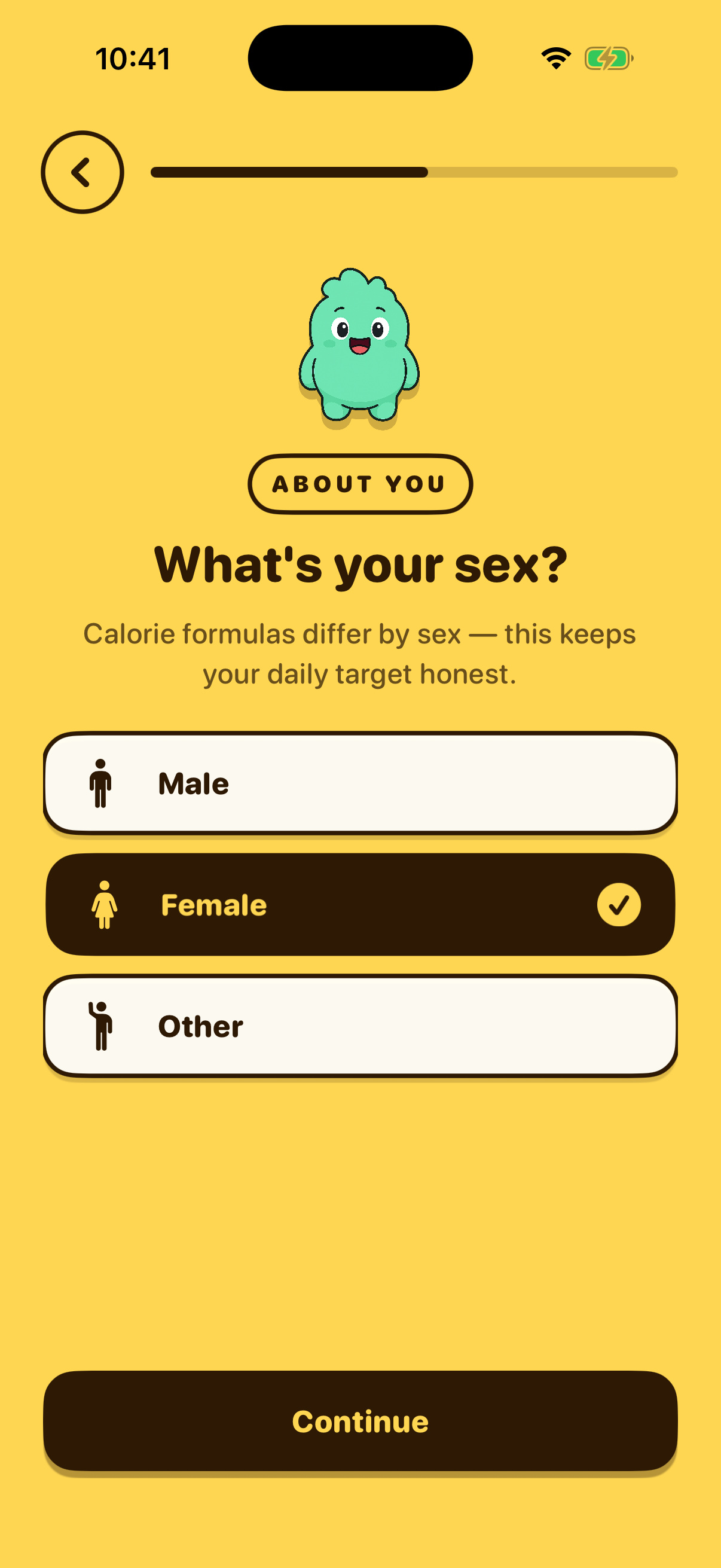 Gender Selectiononboarding-gender8 days ago
 -
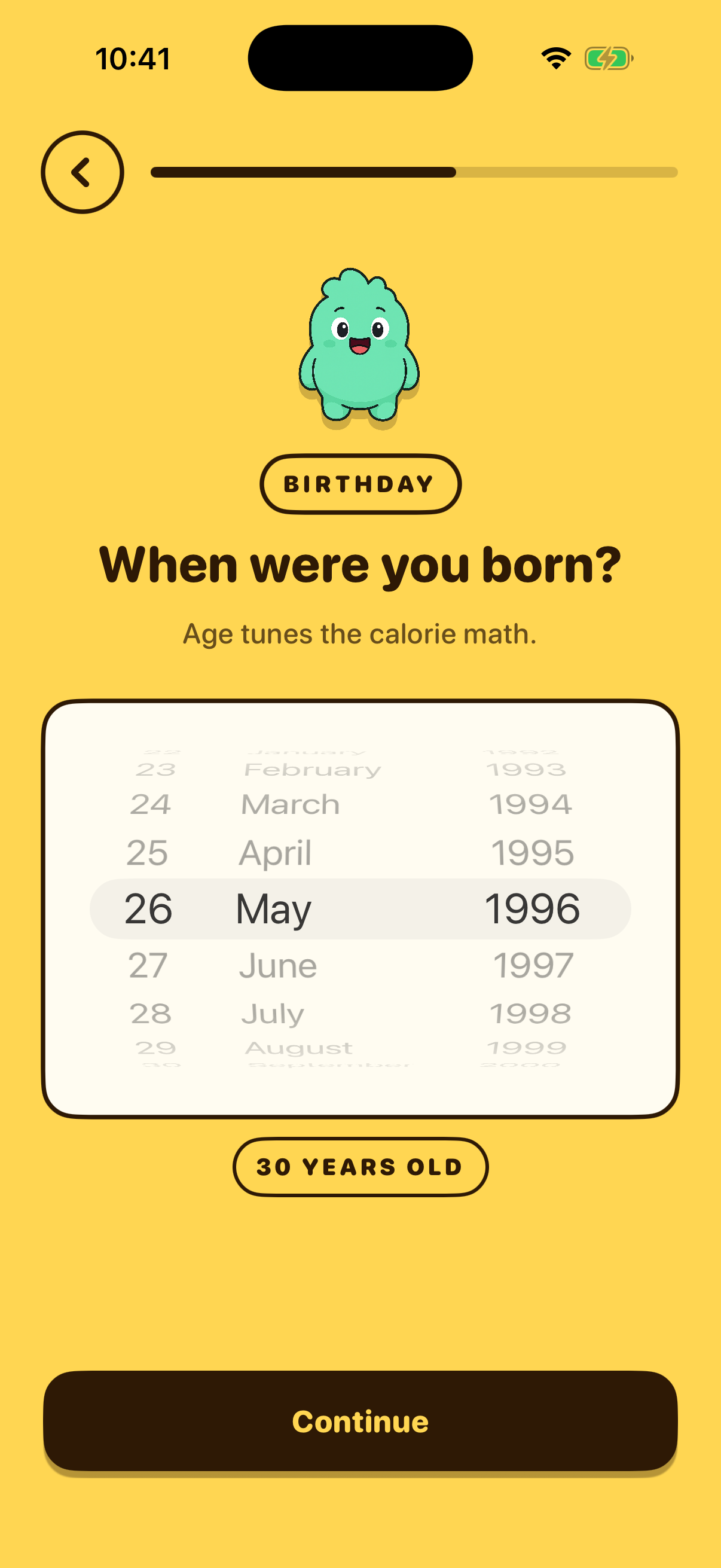 Birthdayonboarding-birthday8 days ago
 -
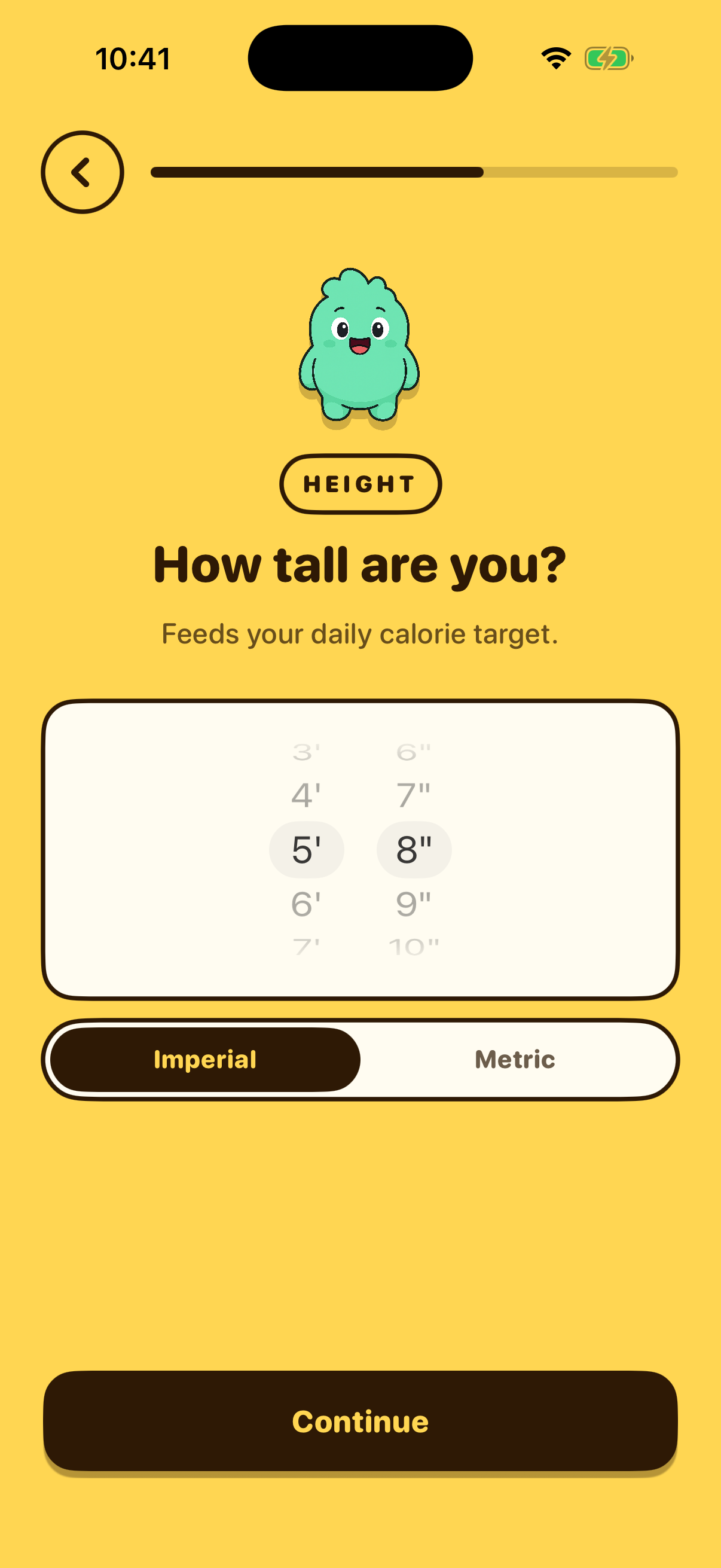 Heightonboarding-height8 days ago
 -
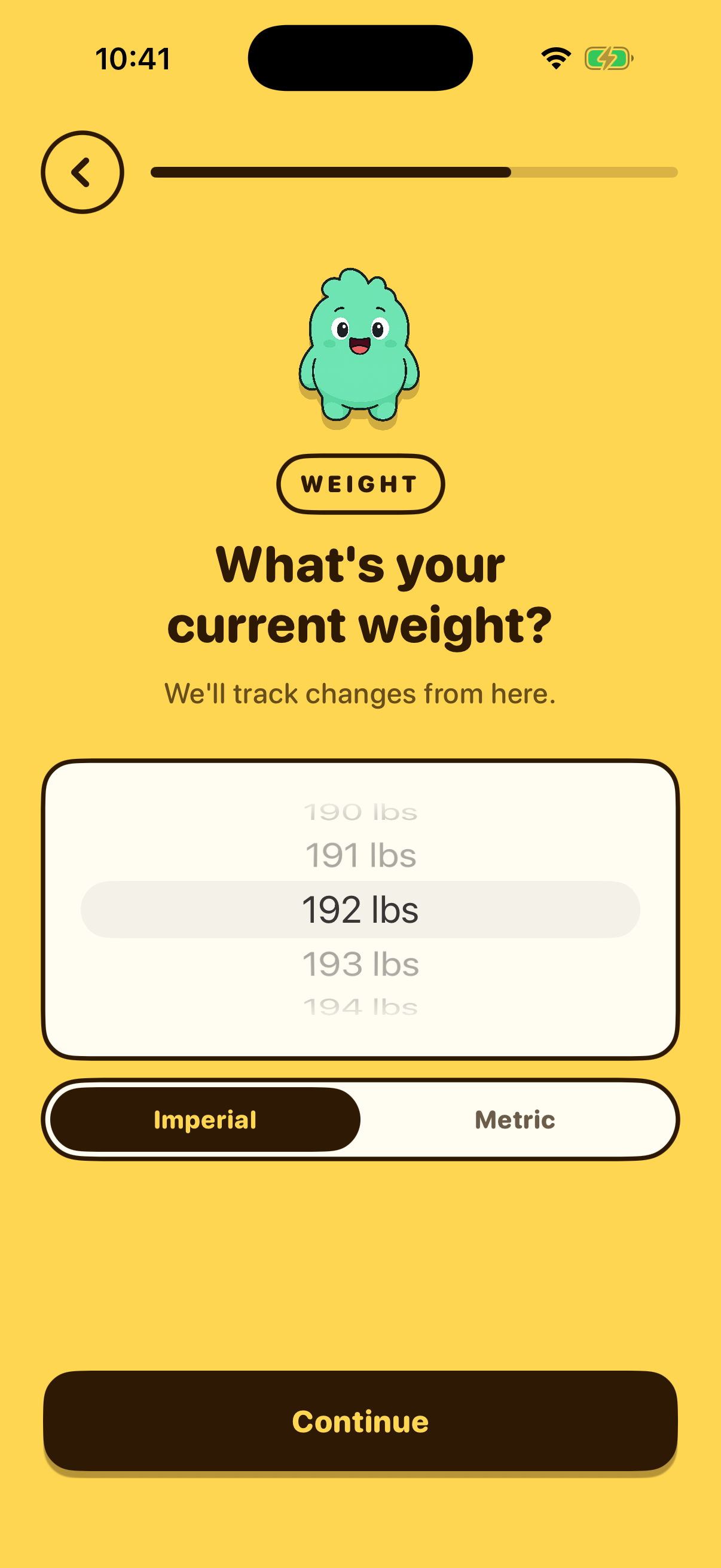 Weightonboarding-weight8 days ago
 -
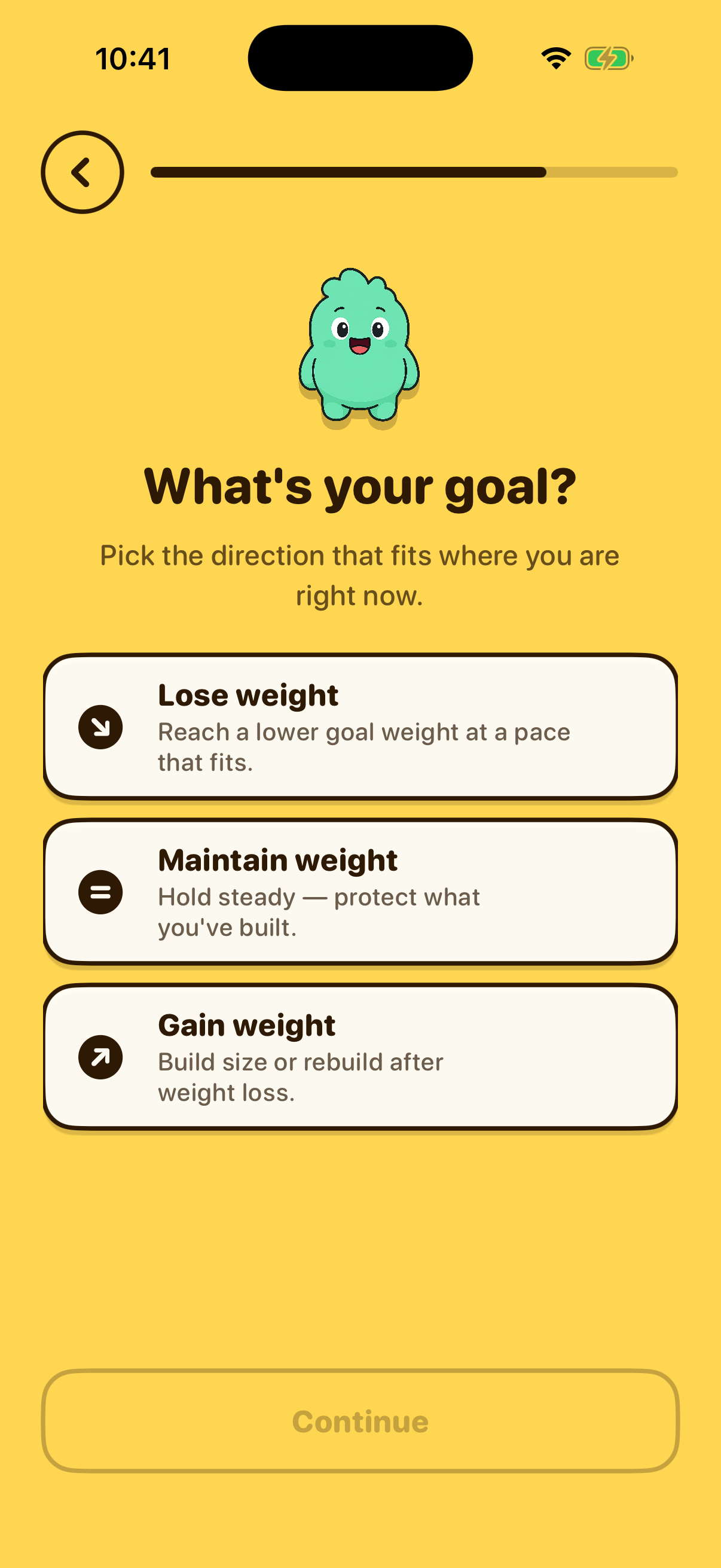 Weight Goalonboarding-weight-goaltoday
 -
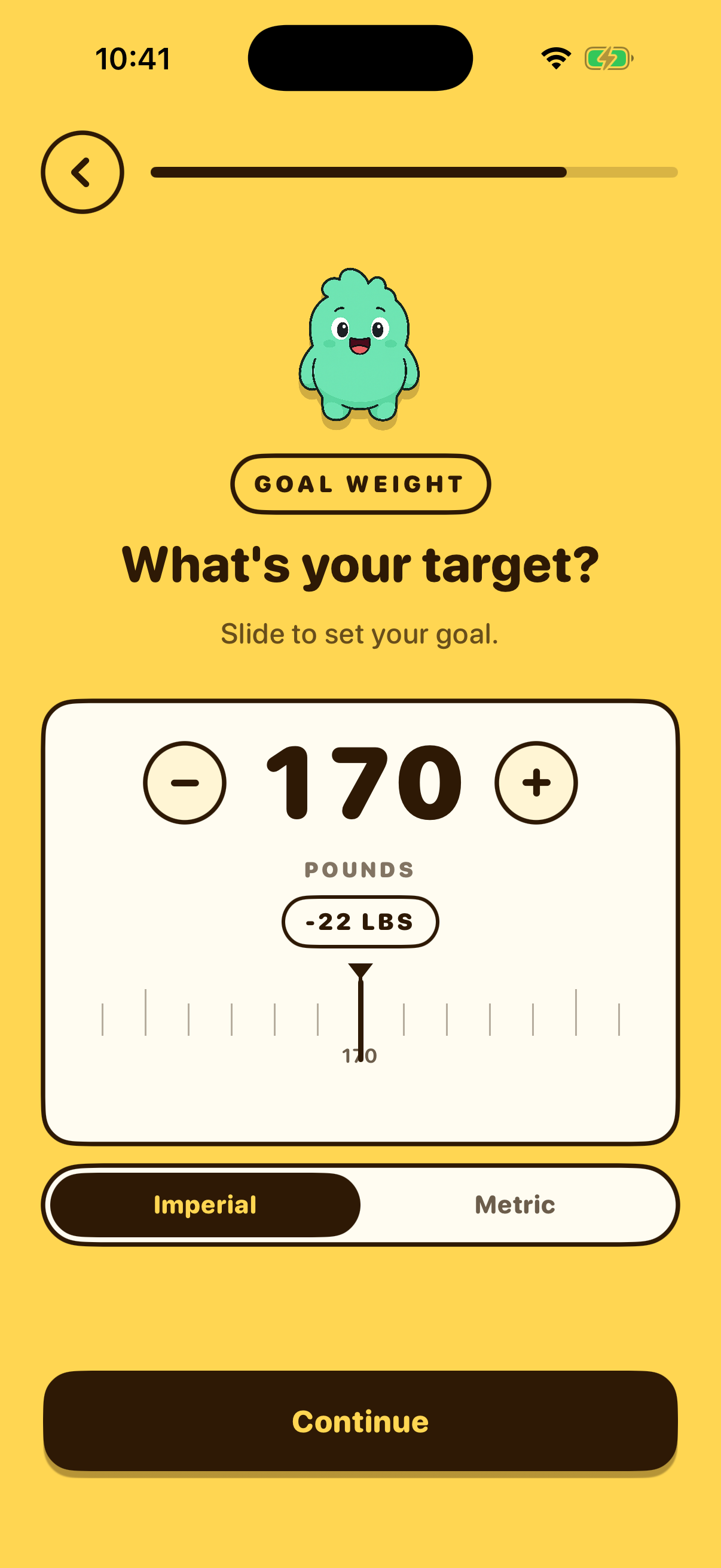 Goal Weightonboarding-goal-weight8 days ago
 -
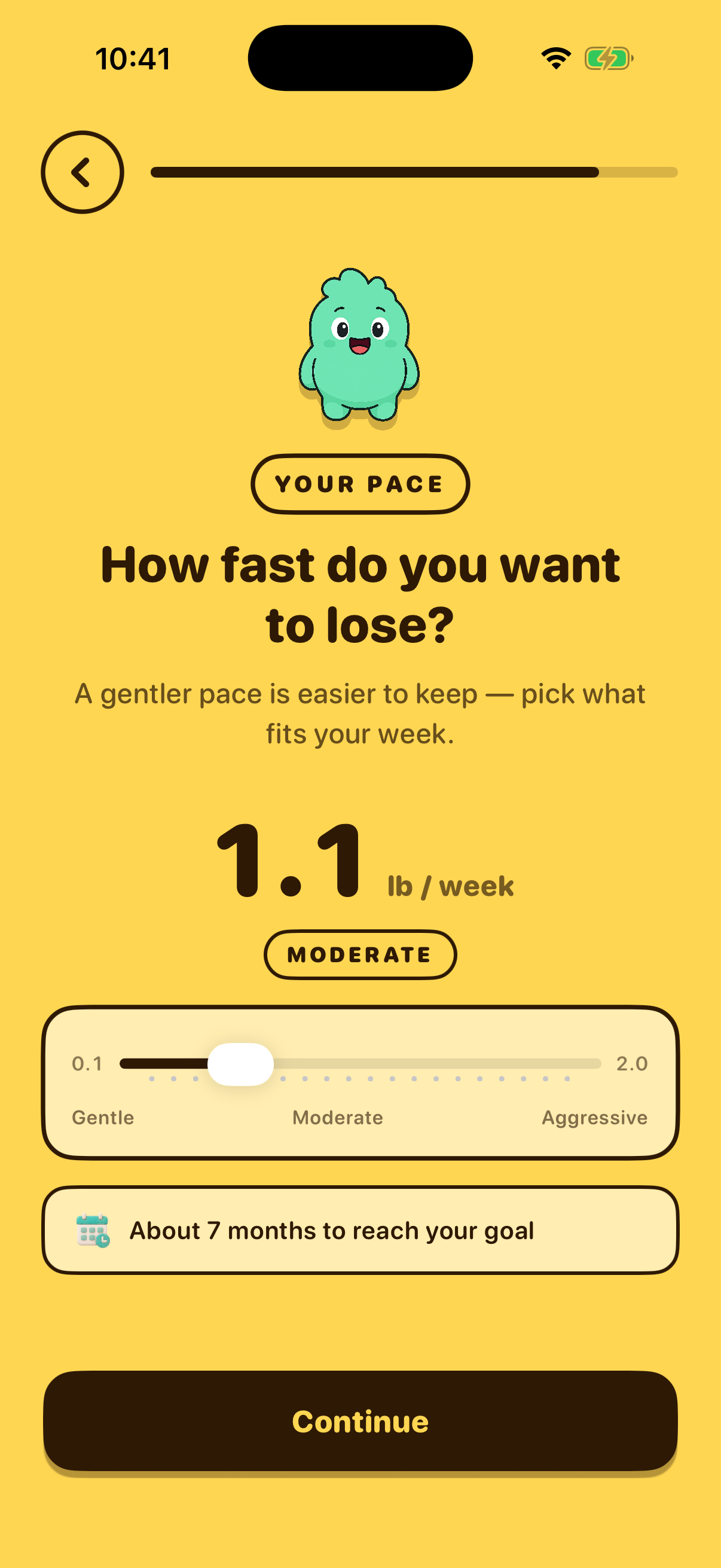 Weight Paceonboarding-weight-pacetoday
 -
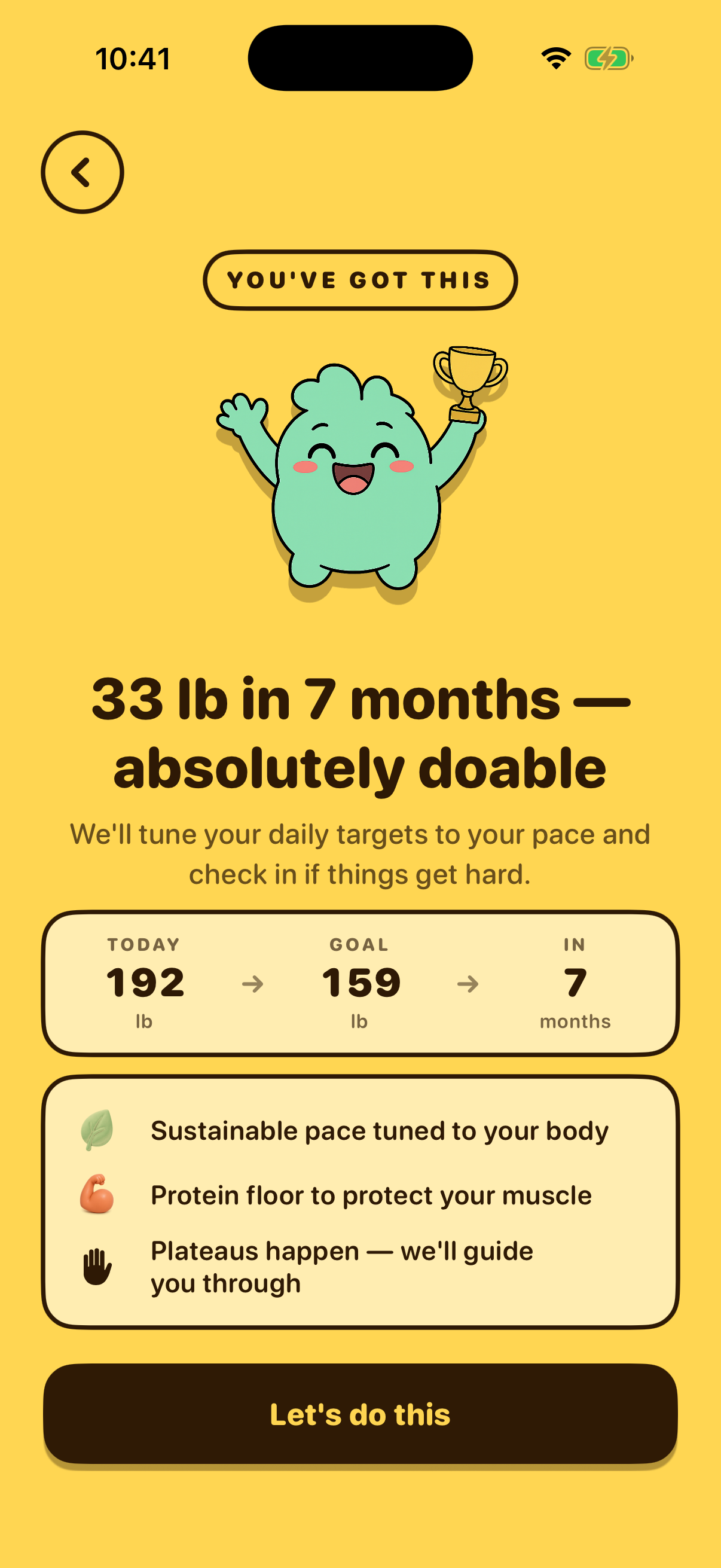 Weight Goal Affirmationonboarding-weight-goal-affirmationtoday
 -
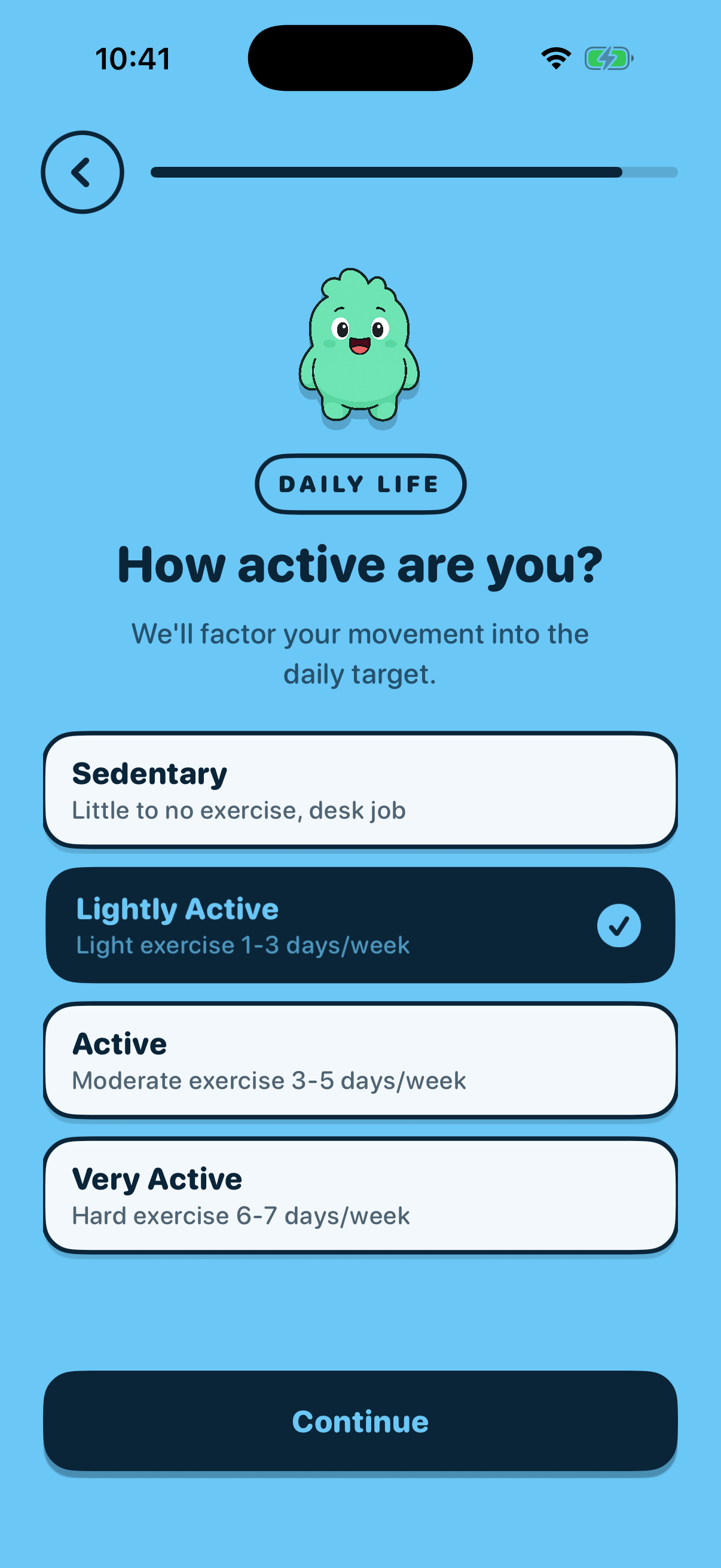 Activity Levelonboarding-activity8 days ago
 -
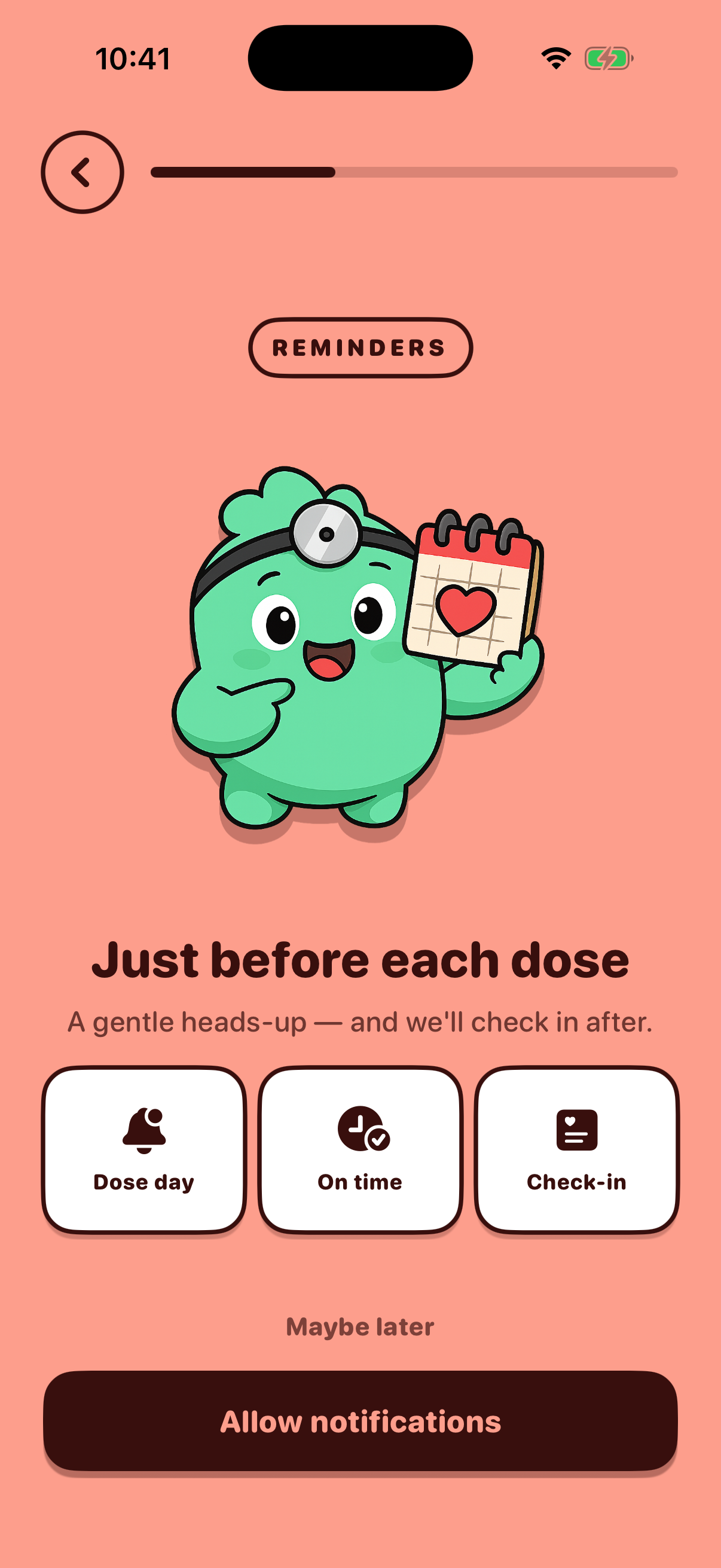 Notifications Permissiononboarding-notificationstoday
 -
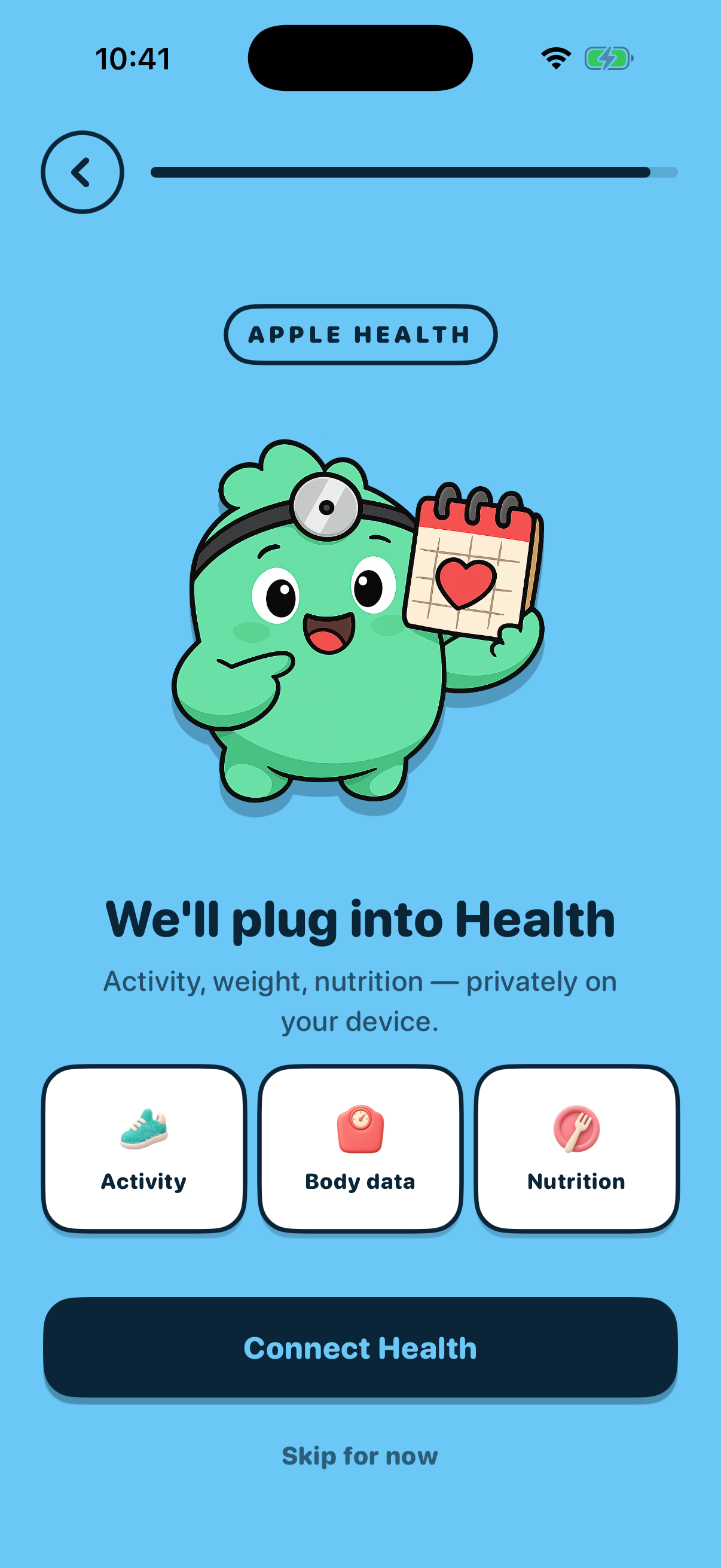 HealthKit Benefitsonboarding-healthkit8 days ago
 -
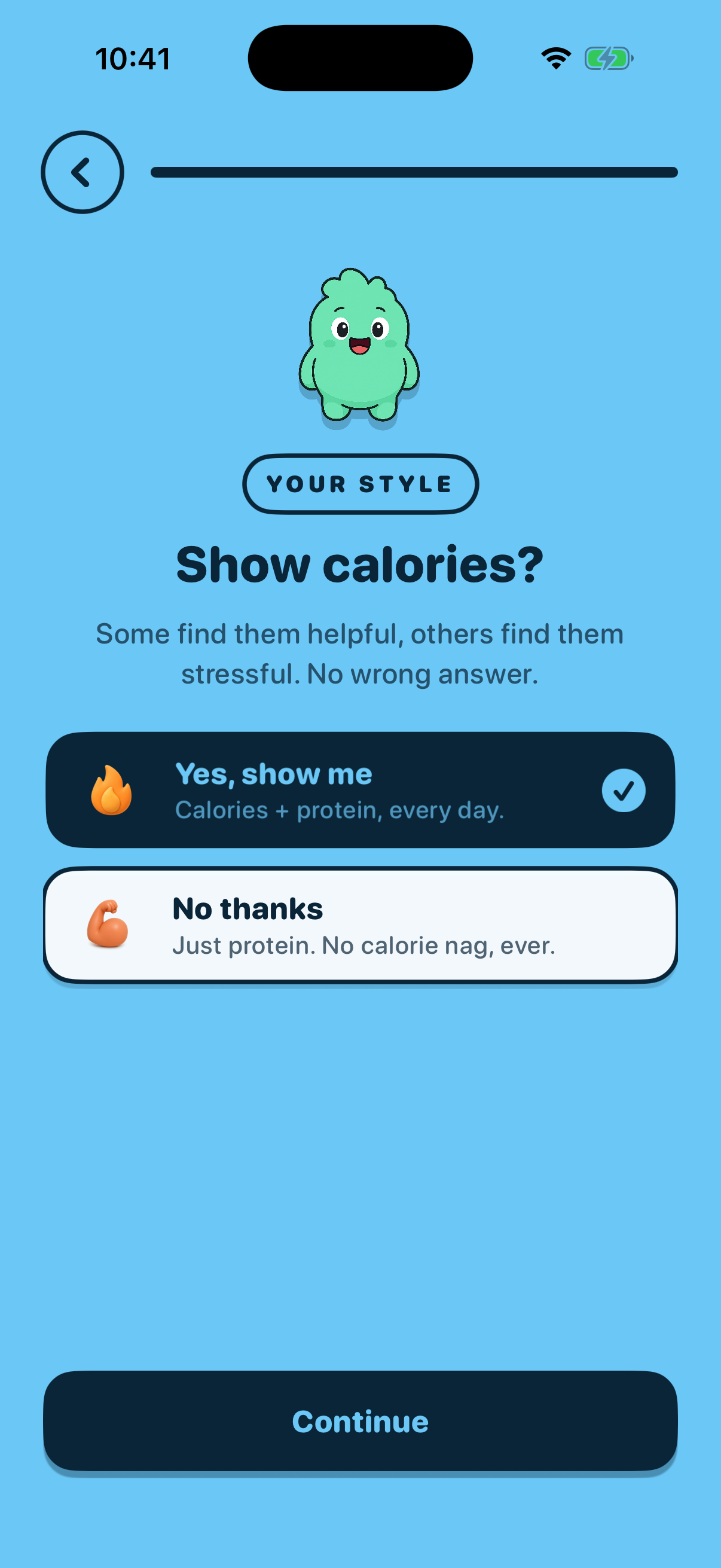 Tracking Styleonboarding-tracking-styletoday
 -
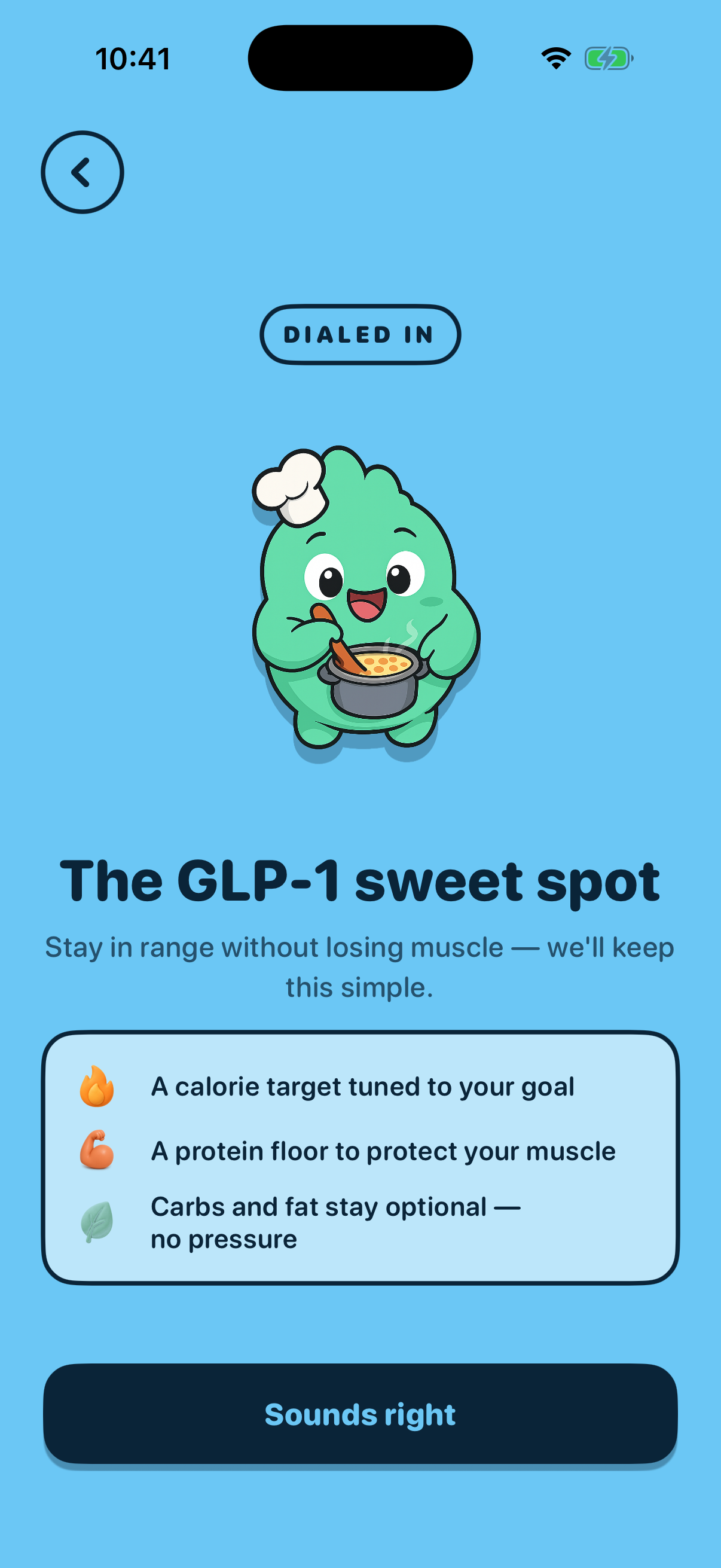 Tracking Affirmationonboarding-tracking-affirmationtoday
 -
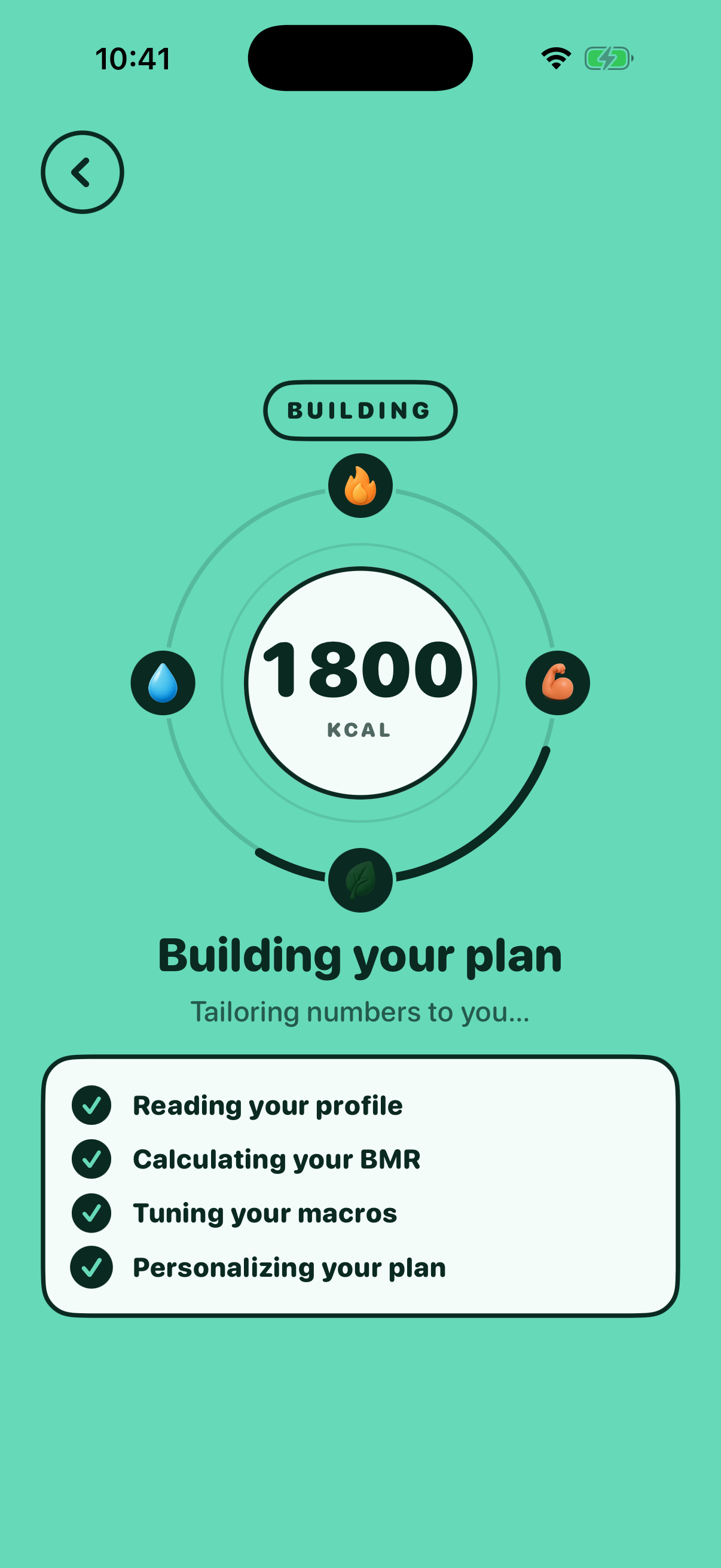 Plan Previewonboarding-plan-previewtoday
 -
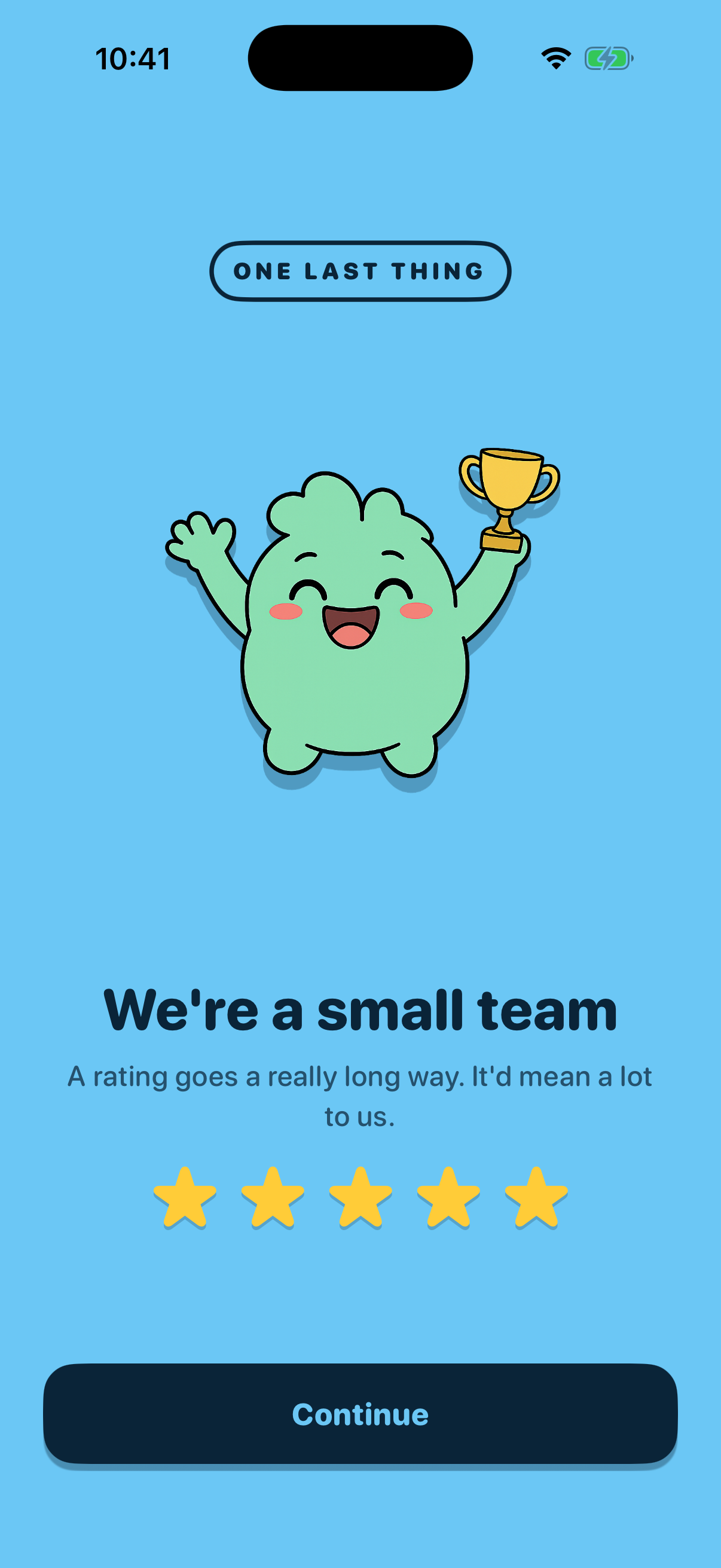 App Store Reviewonboarding-app-store-reviewtoday
 -
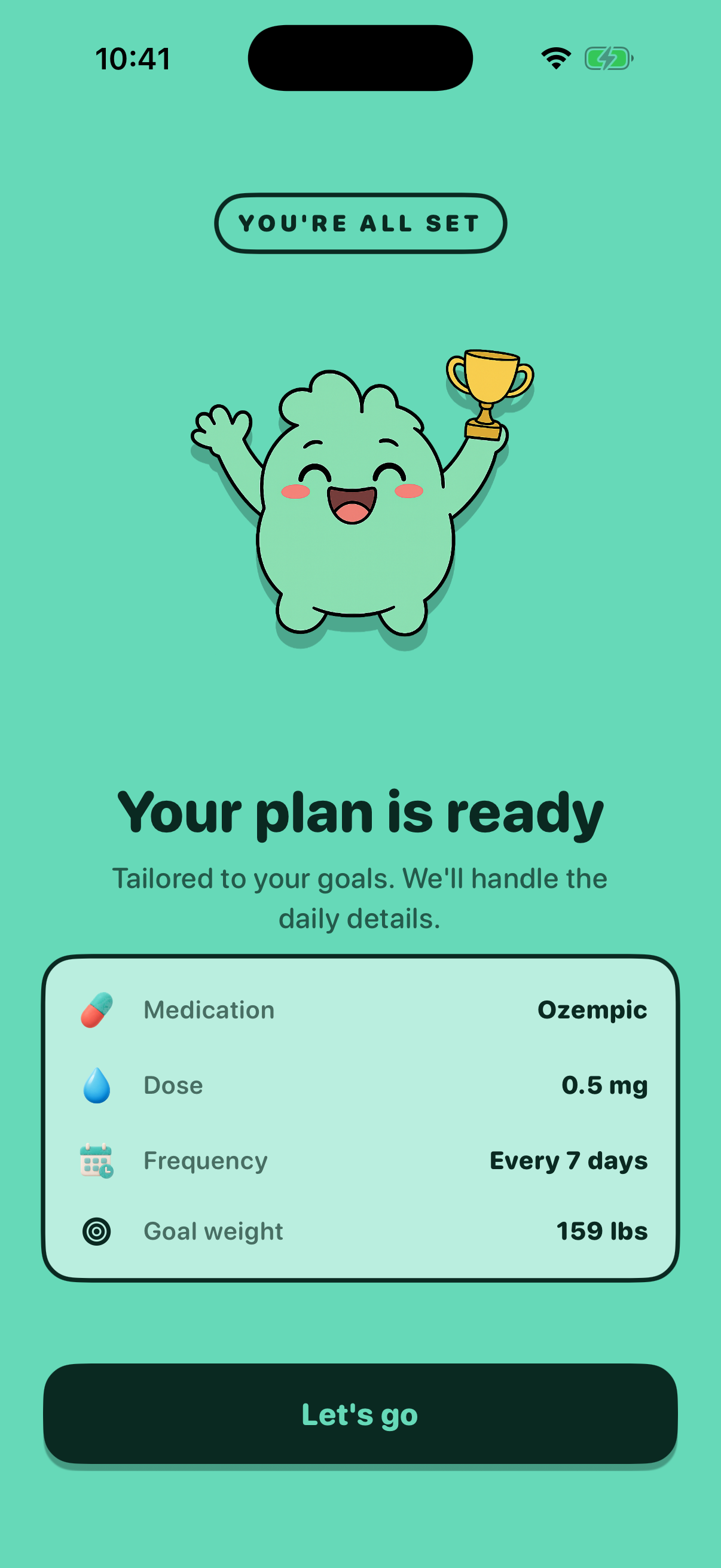 Completiononboarding-completion8 days ago
 -
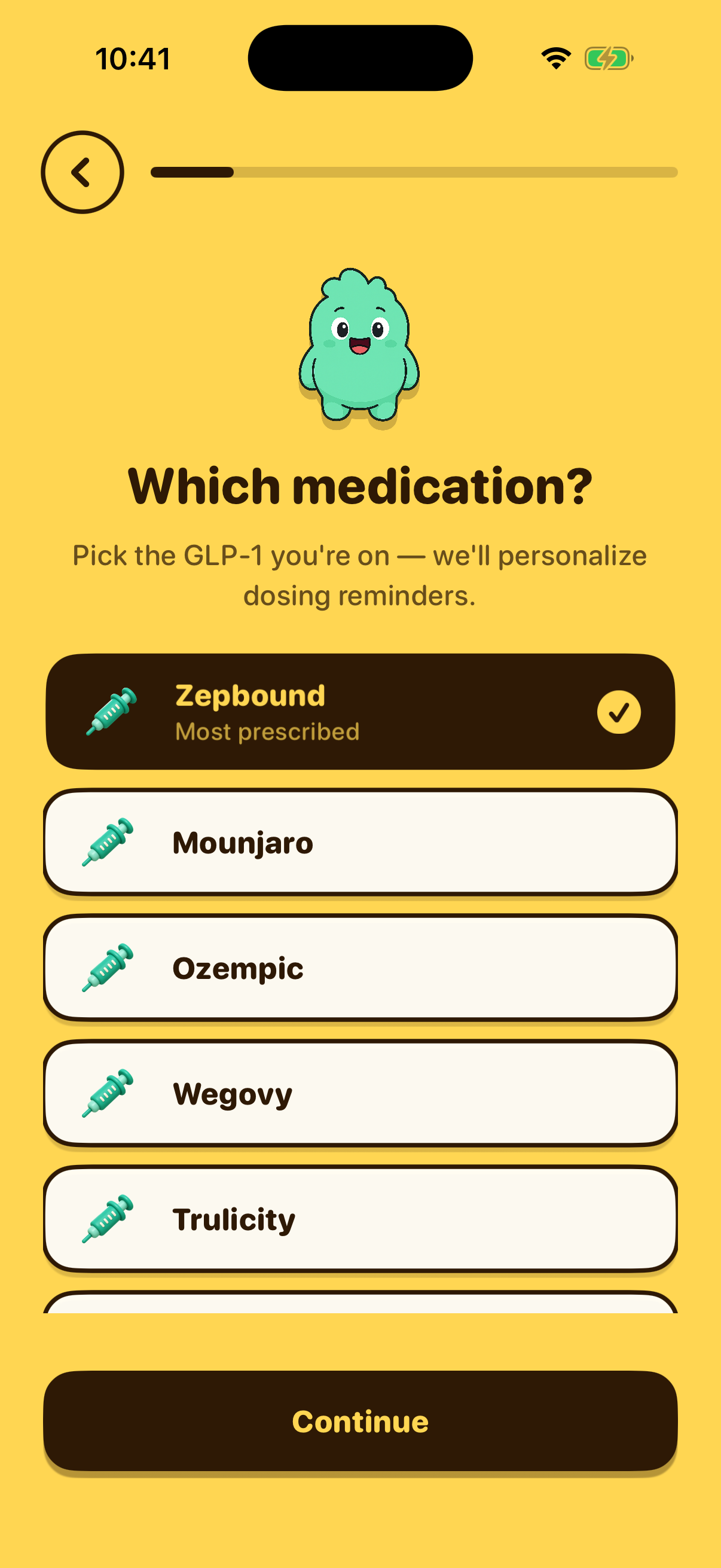 Medication Selectiononboarding-medication8 days ago
 -
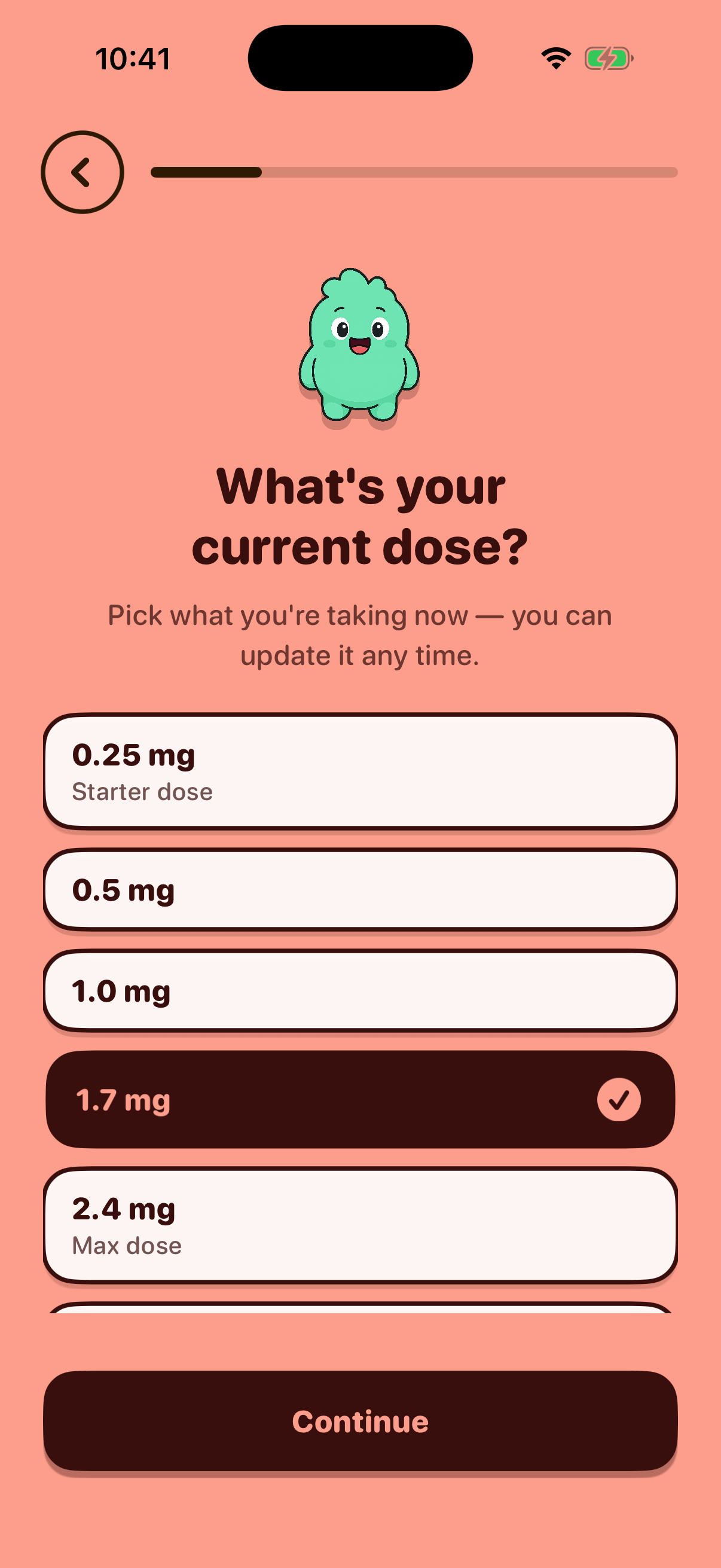 Dose Selectiononboarding-dose8 days ago
 -
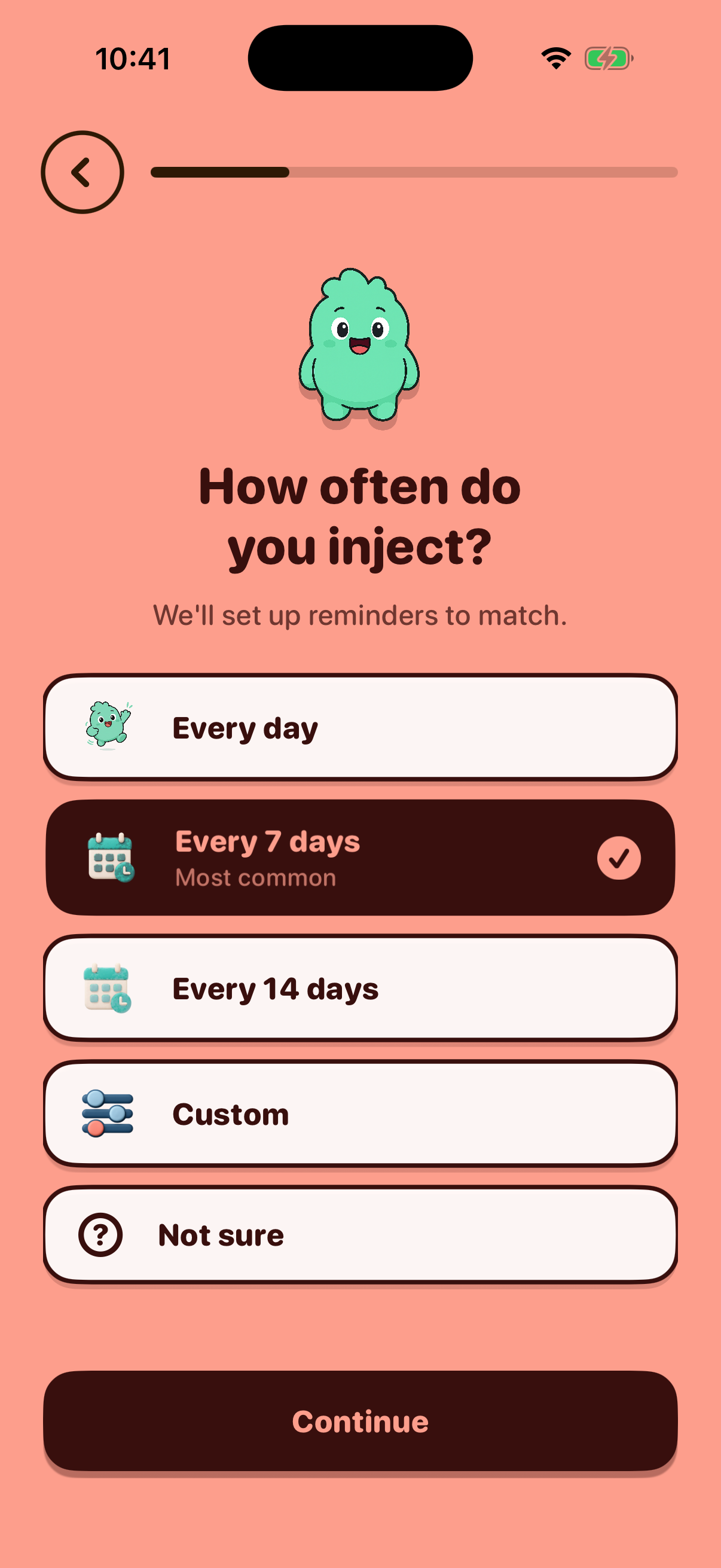 Frequency Selectiononboarding-frequency8 days ago
 -
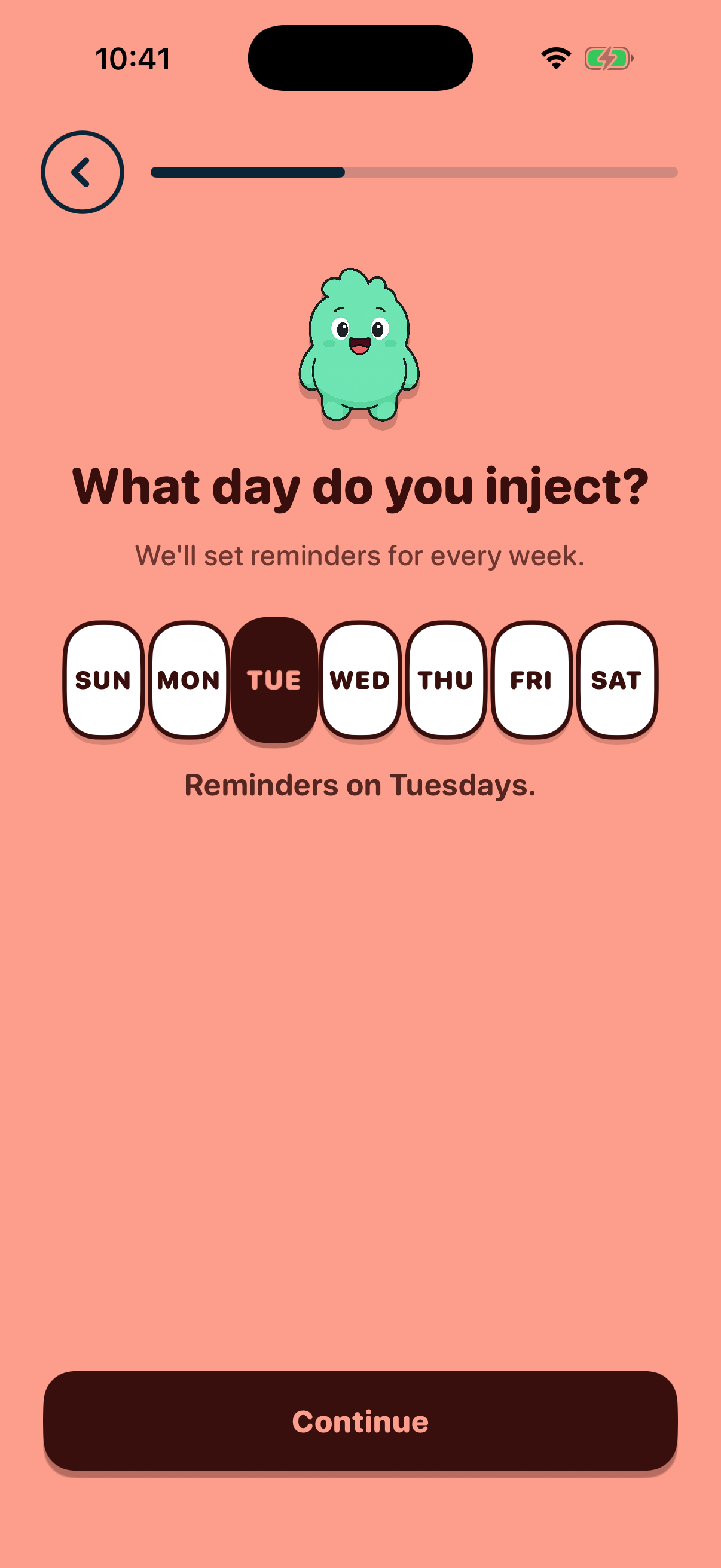 Injection Day Selectiononboarding-injection-day8 days ago
 -
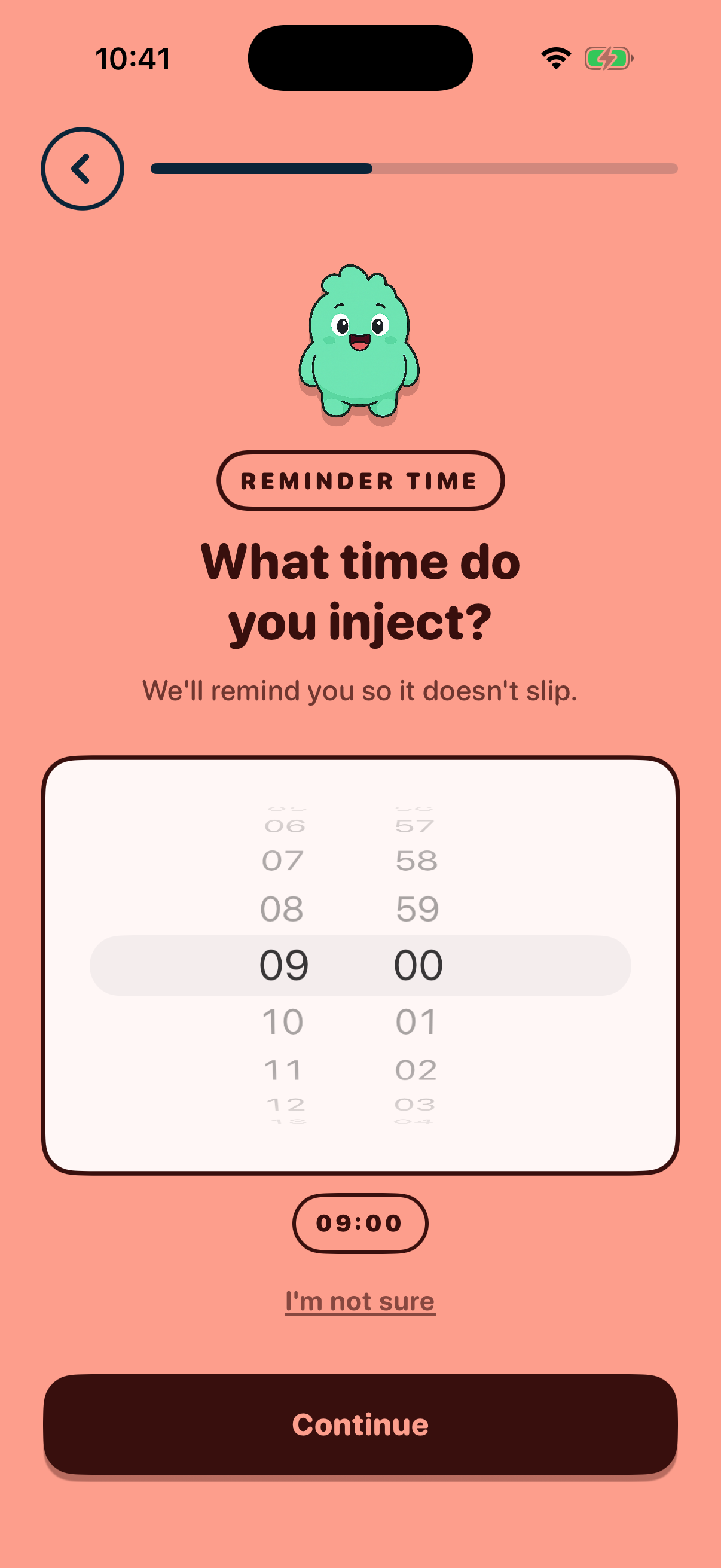 Schedule Timeonboarding-schedule-time8 days ago
 -
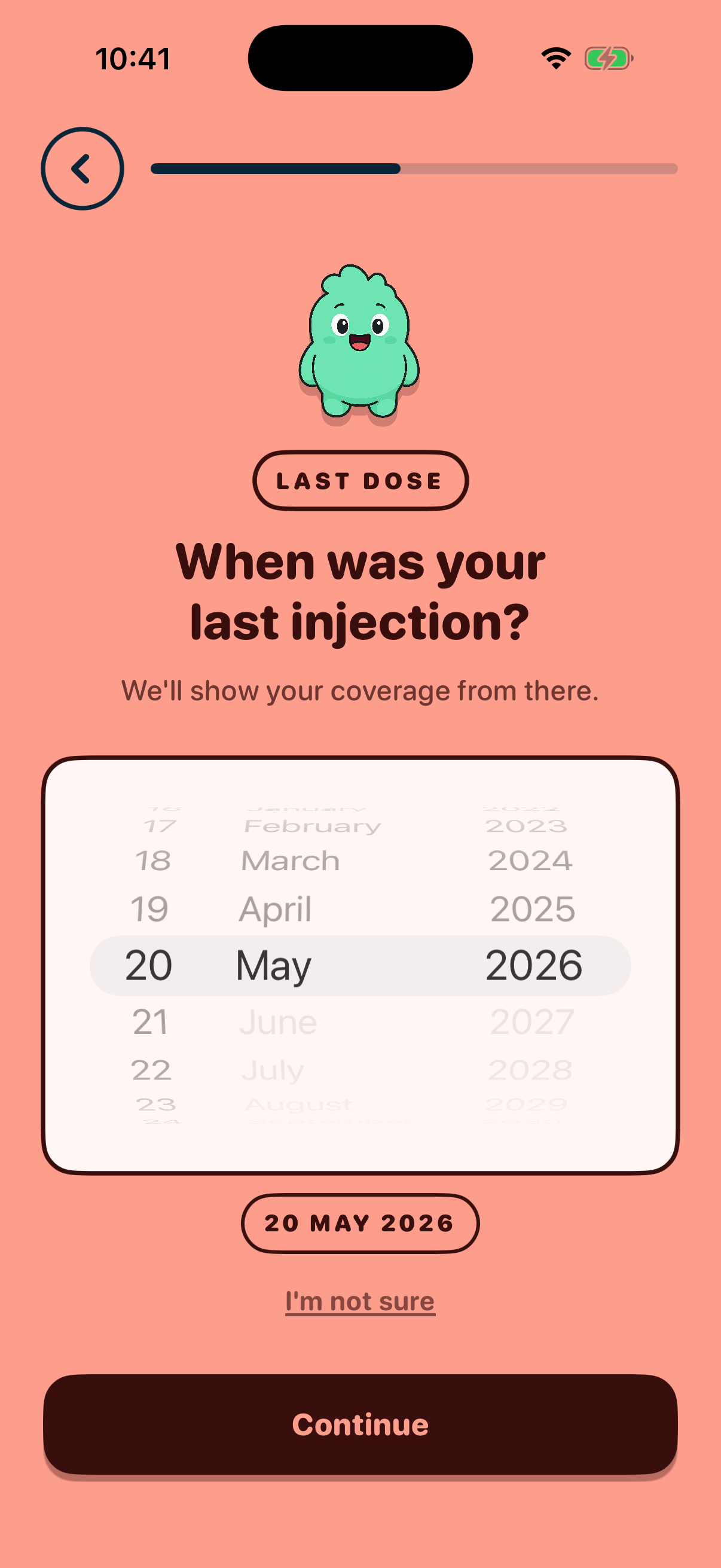 Last Injection Dateonboarding-last-injection8 days ago
Unmapped Atlas screens
These Atlas screens exist in the registry but no flow-graph step in
src/lib/onboardingFlow.ts
currently references them. Either the flow graph is stale, or the
Atlas entry covers a screen that no longer ships — investigate and
either map or retire.
- onboarding-healthkit-nowatch
- onboarding-watch
- paywall
How this works
-
Atlas captures iPhone-simulator screenshots of each onboarding screen
nightly (
.github/workflows/atlas-nightly.yml) or on demand via./scripts/refresh-atlas.sh --kind screens. -
Captures land in
.artifacts/runs/(gitignored). -
cd onboarding-dashboard && bun run sync-screensresizes the latest capture per ID to a 480-pixel-wide JPEG and writes a manifest with the capture timestamp. - This page (and the inline thumbnails on Flow) read the manifest at build time and serve the JPEGs through Cloudflare Pages.